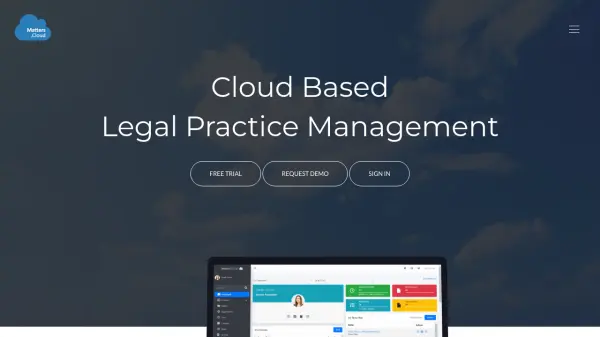
What is Matters.Cloud?
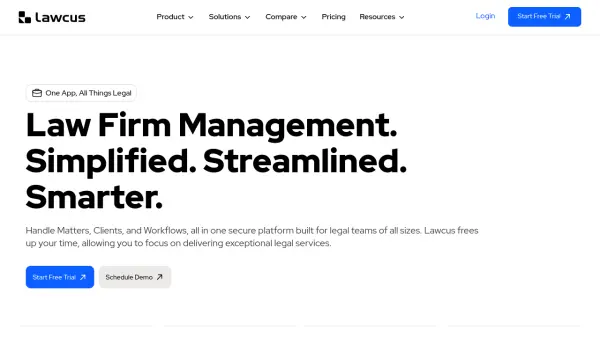
Matters.Cloud provides a complete cloud-based practice management solution tailored for legal professionals and law firms. The platform integrates multiple modules including client relationship management, time and expense tracking, legal billing, case management, opportunity tracking, calendaring, tasks, and document management into a single unified system.
The platform enables legal teams to manage client information, track matter progress, record billable time and expenses, generate professional invoices, and collaborate on documents in real-time. With mobile accessibility and an app marketplace for integrations with tools like DropBox and Mailchimp, Matters.Cloud supports flexible work environments while maintaining security and compliance standards.
Features
- Client Relationship Management: Build and maintain relationships with prospects and clients while organizing key contact information
- Time & Expense Tracking: Capture billable time and expenses with support for client, matter, or activity-based rates
- Legal Billing: Create and send professional invoices with detailed matter information and payment tracking
- Case Management: Maintain complete matter information with phase breakdowns, task management, and estimation capabilities
- Document Management: Collaborate and store documents in real-time with automation features
- Mobile Access: Work from anywhere with full platform functionality on mobile devices
- App Marketplace: Integrate with third-party tools including DropBox and Mailchimp for extended functionality
- Opportunity Tracking: Develop and monitor new business opportunities with conversion to matters
Use Cases
- Managing client relationships and contact information for law firms
- Tracking billable hours and expenses across multiple matters
- Generating professional legal invoices and managing client payments
- Organizing case files, matter phases, and associated tasks
- Monitoring new business opportunities and converting them to active matters
- Collaborating on legal documents with team members in real-time
- Managing calendars, deadlines, and task assignments across legal teams
- Accessing practice management tools remotely via mobile devices