What is Make Image Black and White?
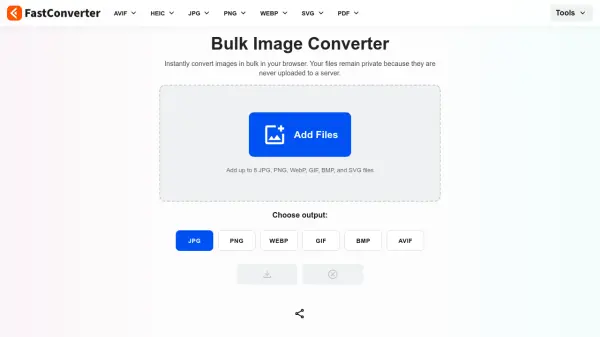
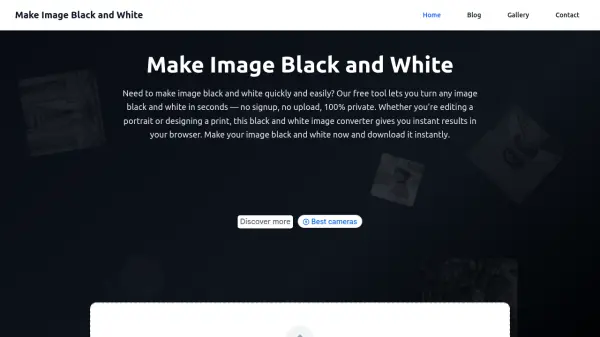
Make Image Black and White is a specialized online tool designed for converting color images to black and white with professional quality. It operates entirely within the user's browser, ensuring privacy by not uploading images to external servers. The tool supports various image formats including JPEG, PNG, WEBP, and BMP, making it versatile for different needs.
Users can process single images or utilize batch conversion for multiple files, with options to download results individually or as a ZIP file. The conversion process uses advanced grayscale filters to preserve details and enhance contrast, suitable for photography, design, and printing applications.
Features
- Instant Preview: Real-time conversion as images are uploaded
- Browser Processing: All conversion happens locally without uploading to servers
- Batch Conversion: Process multiple images simultaneously with bulk download options
- Format Support: Compatible with JPEG, PNG, WEBP, BMP, and other common image formats
- High Quality: Uses advanced grayscale filters for precise black and white conversion with detail preservation
Use Cases
- Converting portrait photographs to black and white for artistic effects
- Processing landscape images to enhance contrast and drama
- Creating black and white pet portraits for artistic projects
- Preparing images for printing in grayscale format
- Batch converting multiple images for photography collections or design projects
FAQs
-
How does the tool ensure privacy during image conversion?
The tool processes all images locally in your browser without uploading them to any external servers, ensuring 100% privacy. -
What image formats are supported for conversion?
The tool supports JPEG, PNG, WEBP, and BMP formats for conversion to black and white. -
Is there a limit to how many images can be processed in batch mode?
While there's no strict limit, the tool recommends processing up to 50 images at once for optimal performance in batch conversion. -
Can I adjust the black and white conversion settings?
Yes, users can preview and refine the conversion by adjusting settings as needed before downloading the final image. -
Does the tool add watermarks to converted images?
No, the tool is completely free and does not add any watermarks to the converted black and white images.