What is Magic AI?
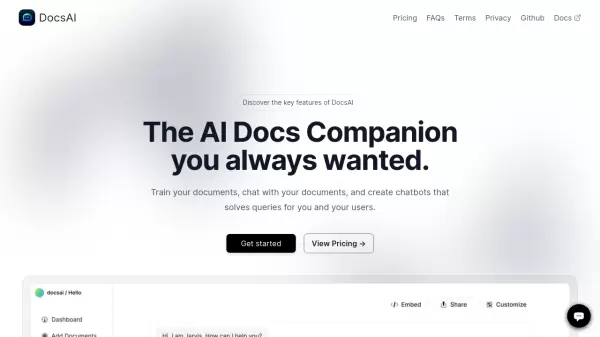
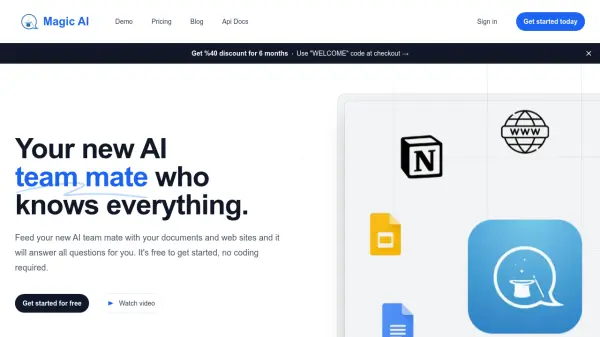
Magic AI serves as an AI assistant designed to centralize and utilize your knowledge base effectively. Users can feed the AI with various documents, including PDF, Word, Excel, Powerpoint, Notion Pages, Google Drive files, and Markdown files, or connect it directly to website content. This allows for the creation of custom AI chatbots trained specifically on the provided data.
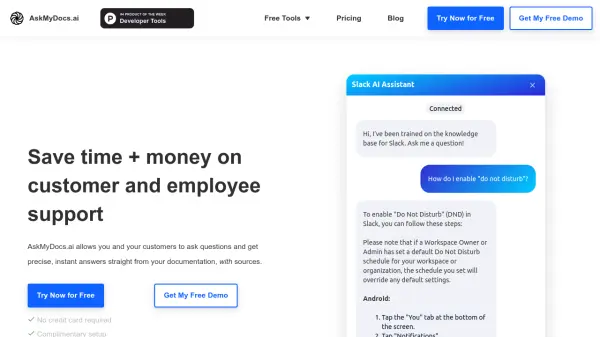
The platform enhances team productivity by providing a shared knowledge hub where members can search and ask questions. For website owners, Magic AI offers the capability to build and embed branded chatbots directly onto their sites, improving customer support by providing instant answers based on the site's content. It is designed as a no-code solution, making it accessible regardless of technical expertise.
Features
- Knowledge Centralization: Aggregate documents and website data in one place.
- Custom Chatbot Creation: Build AI chatbots trained on specific documents or website content.
- Website Integration: Embed chatbots directly onto websites for customer interaction.
- Team Collaboration: Share chatbots and knowledge base with team members.
- Multiple Data Sources: Supports PDF, Word, Excel, Powerpoint, Notion, Google Drive, Web Pages, Markdown.
- No-Code Platform: Easy to use without coding experience.
- Multi-language Support: Train chatbots in various languages.
- API Access: Available for integration on paid plans.
Use Cases
- Improving team productivity by centralizing knowledge.
- Providing automated customer support via website chatbots.
- Creating personal assistants for educational purposes.
- Streamlining academic research by querying large document sets.
- Building an internal knowledge base for organizations.
FAQs
-
Is Magic AI secure?
Yes, all user data is encrypted and stored securely using the latest security standards. Only authorized users and their team members can access the data. -
How long can I use the free plan?
There is no time limit on the free plan; you can use it indefinitely. -
Can I cancel my subscription?
Yes, you can cancel your subscription at any time. You will retain access until the end of the current billing period. -
Can I upgrade to a higher plan?
Yes, you can upgrade your plan at any time. You will only be charged the prorated difference between your current plan and the new plan.