
What is Maestrocast?
Maestrocast is a specialized online teaching platform that transforms virtual music education by integrating essential tools into a single cohesive system. It addresses common frustrations musicians face when using multiple disconnected apps like Zoom, Dropbox, and Google Docs by providing a unified solution with high-fidelity audio, instant camera switching, and real-time document annotation capabilities.
The platform enables teachers to easily manage lesson notes, share sheet music, and record sessions directly to the cloud, ensuring both instructors and students can focus on musical progress rather than technical hassles. With features like built-in metronome control and organizational tools for scheduling and document management, Maestrocast creates an engaging and efficient teaching environment tailored for music education.
Features
- Instant Camera Switching: Switch between multiple camera views with a single click to see different angles of instruments or students
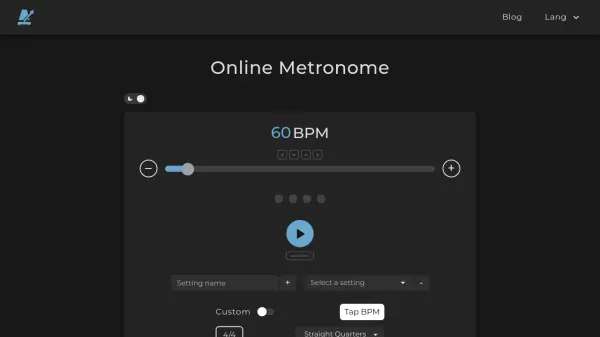
- Built-in Metronome: Control metronome settings during video calls to manage tempo and rhythm in real-time
- Live Document Annotation: Share and annotate sheet music or other documents collaboratively during lessons
- Cloud Recordings: Record video calls directly to the cloud with one-click access for review and sharing
- Lesson Notes: Maintain chat-style lesson notes that persist across sessions with each student for continuity
- Document Management: Securely store and distribute teaching materials like sheet music and books to students
- High Fidelity Audio: Use enhanced audio quality for clearer sound without automatic muting interruptions
- Lesson Calendar: Schedule and organize teaching sessions with integrated calendar tools
Use Cases
- Conducting virtual music lessons for instruments like piano or drums
- Managing a music teaching studio with multiple instructors
- Sharing and annotating sheet music during online sessions
- Recording and reviewing lesson progress for student feedback
- Organizing teaching schedules and student management efficiently
FAQs
-
How do I switch between a student's cameras during a lesson?
As a teacher, you can see all connected cameras from your student's devices and switch between them with a single click, such as between an iPad and iPhone or multiple webcams. -
What happens to my recordings in the cloud?
Cloud recordings are securely stored and accessible anytime for reviewing lessons, sharing highlights with students, or tracking progress without needing downloads. -
Can I use Maestrocast for teaching instruments other than piano?
Yes, Maestrocast is designed for various instruments, with features like camera switching being particularly useful for instruments like drums where multiple angles are helpful. -
How do I share documents with my students?
You can upload documents to the platform's storage and effortlessly distribute copies to students, ensuring everyone has the latest version during lessons.