What is LoadNinja?
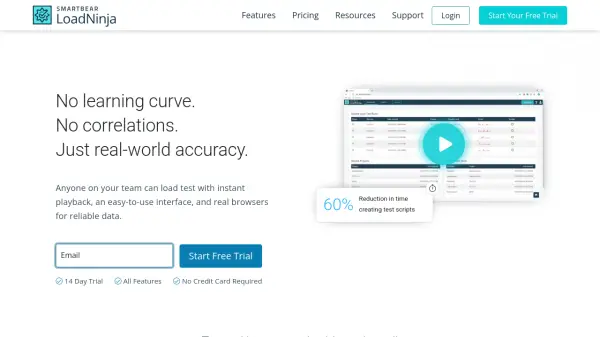
LoadNinja is a cloud-based load testing platform that enables teams to easily create, execute, and analyze performance tests for web applications and APIs. With its InstaPlay Recorder, users can generate test scripts in minutes without any coding, even for complex transactions. By using real browsers, LoadNinja provides accurate, realistic load simulations that reflect true end-user experience, eliminating the need for manual correlations and emulators. The tool helps identify performance bottlenecks in real-time with browser-based navigation timings, and integrates seamlessly into CI/CD pipelines for continuous performance testing. LoadNinja is designed to be accessible to anyone on the team, regardless of their load testing experience.
Features
- Record & Replay: Create test scripts in minutes by recording browser actions, no coding required.
- Real Browsers: Execute load tests on real browsers for accurate, realistic performance data.
- No Correlations: Eliminate manual correlation; browsers handle dynamic values automatically.
- Bottleneck Identification: Diagnose performance issues in real-time with actionable metrics.
- CI/CD Integration: Automate load tests and integrate into any CI/CD pipeline using REST API or plugins.
Use Cases
- Performance testing of web applications and APIs
- Identifying bottlenecks before software releases
- Continuous performance testing in DevOps pipelines
- Load testing internal applications with VPN/cloud agents
FAQs
-
What’s a Virtual User?
Virtual Users (VUs) refer to the maximum number of concurrent users you can generate during your load tests. For example, to test how your app handles 500 users at once, you would purchase a plan of 500 VUs or above. -
Define 'Load Testing Hours'
Load Testing Hours refers to the summation of durations of all the tests executed. For example, running 10 tests each lasting 2 hours would require 20 load testing hours. -
When do my load testing hours expire?
Each plan comes with 25 hours that expire after use or after 1 year from the date of purchase. Monthly plans are not offered. -
Can I purchase more than 25 hours?
Yes. Each plan purchase adds 25 load testing hours. For example, for 100 hours of testing at 250 VUs, purchase the 250 VU plan 4 times. -
Which plan should I choose?
Select a plan based on the maximum volume of traffic you plan to test. The VU count represents the maximum number of virtual users in a given test, so choose the first plan that covers or exceeds your needs.