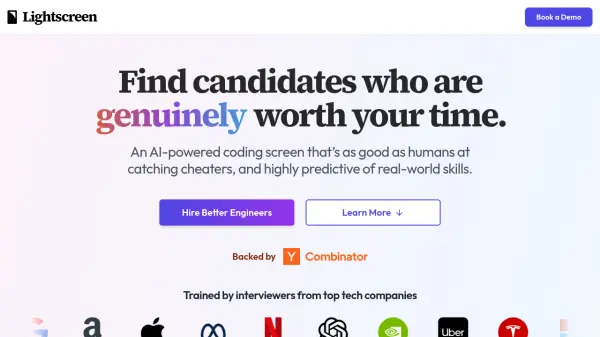
What is Lightscreen?
Lightscreen offers an AI-powered coding assessment platform designed to streamline the hiring process for engineers. The system utilizes a voice agent, Ethan, to conduct interactive, pair-programming style interviews that evaluate candidates' problem-solving abilities and engineering fundamentals.
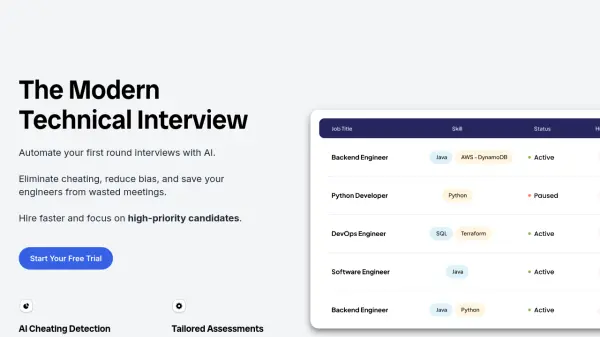
Lightscreen is built with advanced AI to detect various forms of cheating, going beyond basic plagiarism checks to analyze behavioral patterns. The platform prioritizes a positive candidate experience, providing a conversational interview format where candidates can ask questions and receive hints.
Features
- AI-Powered Interviews: Conducted by a voice agent named Ethan, providing a collaborative pair-programming experience.
- Cheat Detection: Utilizes advanced AI models to identify various forms of cheating, including behavioral analysis.
- Customizable Assessments: Tailored to specific roles and criteria.
- Detailed Candidate Reports: Provides transcripts, video recordings, code, and key insights.
- Enterprise Integration: Offers customizable experiences and ATS integrations.
Use Cases
- Screening engineering candidates for coding skills and problem-solving abilities.
- Identifying and filtering out candidates who attempt to cheat during assessments.
- Improving the efficiency of the hiring pipeline by automating initial candidate screening.
- Providing a positive and engaging interview experience for candidates.