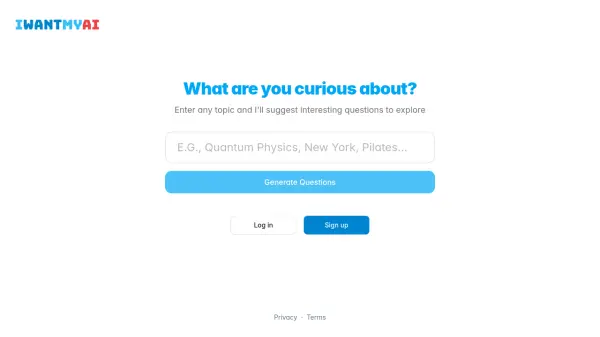
What is IWANTMYAI?
IWANTMYAI is an AI-powered chat assistant designed to provide users with intelligent conversational capabilities. The tool offers access to both basic and premium AI models, enabling diverse interactions tailored to different needs. It supports web search functionality, allowing users to retrieve real-time information directly within the chat interface.
Additionally, IWANTMYAI includes reasoning features to enhance logical problem-solving and file uploads for processing documents and other media. Extended queries are available for more complex or detailed interactions. The platform operates on a freemium pricing model, with a free plan for basic usage and a paid plan for full access to all features.
Features
- AI Chat: Interactive conversations with AI models
- Basic Models: Access to standard AI models
- Premium Models: Advanced AI models for enhanced performance
- Web Search: Real-time information retrieval within chat
- Reasoning: Logical problem-solving capabilities
- File Uploads: Support for uploading and processing documents
- Extended Queries: Ability to handle complex and detailed interactions
Use Cases
- Conducting research with AI-assisted web search
- Solving logical problems using reasoning features
- Processing documents through file uploads
- Engaging in detailed conversations with extended queries
- Using AI models for general chat and assistance