What is IntelliChat?
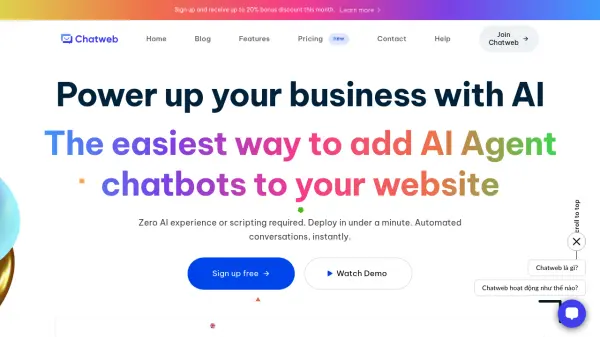
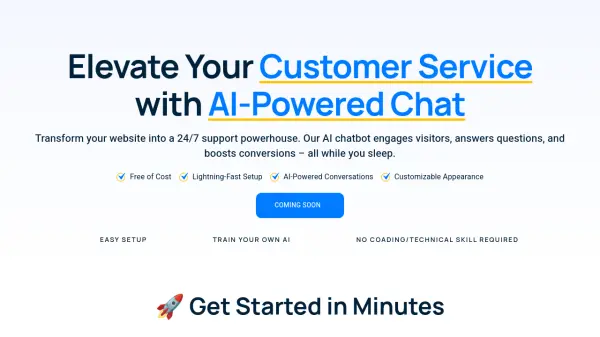
IntelliChat transforms your website into a 24/7 support powerhouse. The AI chatbot engages visitors, answers questions, and boosts conversions, enhancing the customer experience.
It offers a lightning-fast setup and AI-powered conversations, all while requiring no coding or technical skills. The chatbot's appearance is customizable, and can be easily integrated by adding a simple code snippet to your website.
Features
- Lightning-Fast Setup: Get started in minutes with a hassle-free signup process.
- AI-Powered Conversations: Engages visitors and answer questions with AI.
- Customizable Appearance: Personalize your chatbot to align with your brand.
- Easy Integration: Add a simple code snippet to your website.
- 24/7 Support: Provide round-the-clock assistance to your website visitors.
Use Cases
- Enhance customer service on e-commerce platforms.
- Provide instant answers to frequently asked questions.
- Boost website engagement and conversion rates.
- Offer 24/7 support without human intervention.
- Gather customer interaction Data.
FAQs
-
Can I customize the chatbot's appearance?
Absolutely! You can customize the chatbot’s colors, choose between light and dark modes, and adjust its placement on your website. Premium users have access to even more customization options. -
How can I train the chatbot with my business information?
You can easily add custom instructions and knowledge to your chatbot through our user-friendly dashboard. Simply input your specific information, FAQs, or any other relevant data, and the chatbot will use this to respond to customer queries. -
What happens when I reach the 500 pageview limit on the free plan?
Once you’ve reached the 500 pageview limit on the free plan, the chatbot will no longer appear on your website. To continue providing chatbot support to your visitors, you’ll need to upgrade to one of our paid plans. -
How do I upgrade, downgrade, or cancel my subscription?
Managing your subscription is easy. Log into your account dashboard, go to the ‘Subscription’ section, and you’ll find options to upgrade, downgrade, or cancel your plan. Changes take effect immediately, and you can do this at any time. -
Do I need coding skills to use this chatbot?
Not at all! Our chatbot is designed to be user-friendly for everyone, regardless of technical background. The setup process is straightforward, and all customizations can be done through our intuitive interface.