What is ImageRobo?
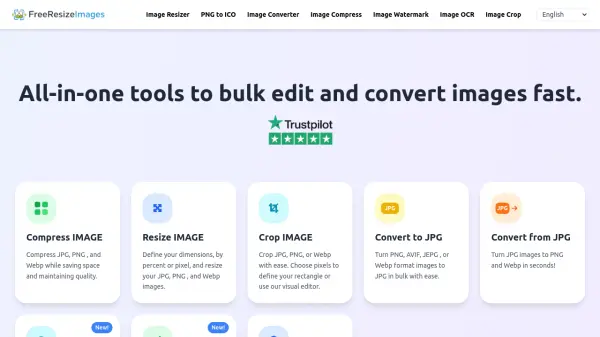
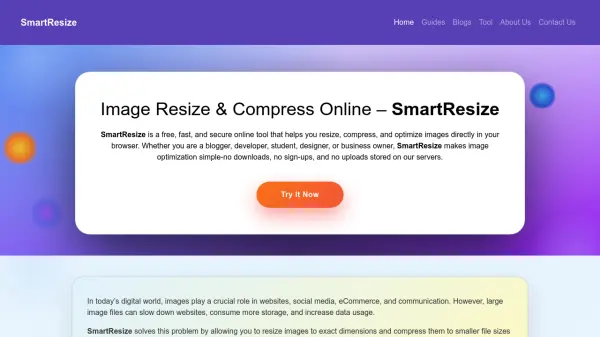
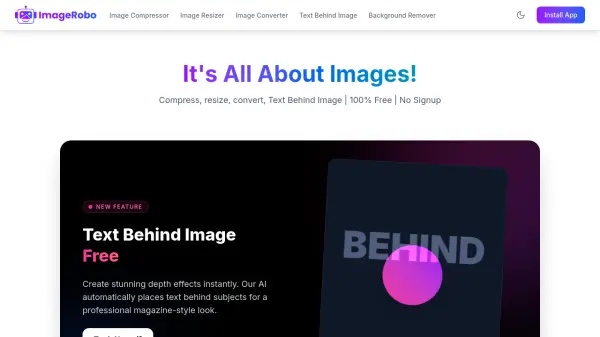
ImageRobo provides a comprehensive collection of professional-grade image processing tools that operate entirely within your browser. The platform enables users to compress images to specific sizes like 50KB or 100KB, resize images with custom dimensions while maintaining aspect ratios, convert between popular image formats including JPG, PNG, and WEBP, and remove backgrounds with AI precision. A standout feature allows users to create magazine-style depth effects by automatically placing text behind subjects in images.
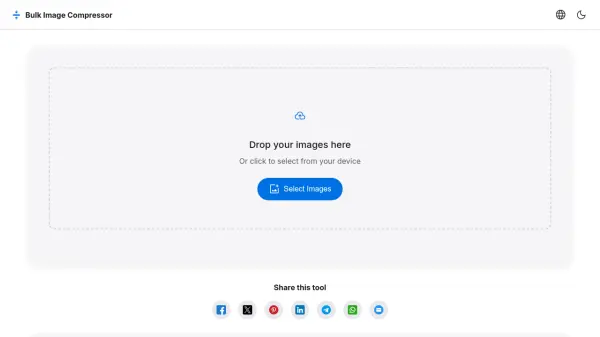
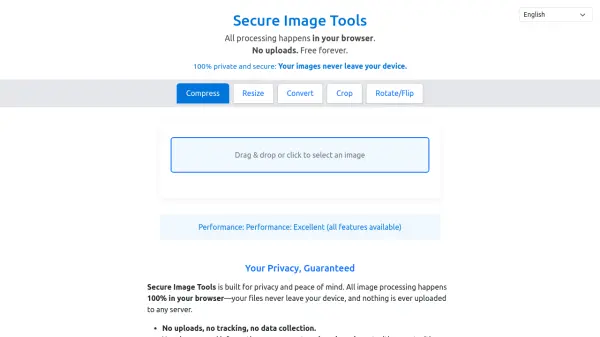
All processing occurs locally on the user's device, ensuring complete privacy as images never leave the browser or get uploaded to external servers. The tools are optimized for speed and efficiency, supporting batch processing for multiple images simultaneously without any daily limits or restrictions. With no account requirements, watermarks, or hidden costs, ImageRobo delivers accessible image optimization for both personal and commercial projects.
Features
- Image Compressor: Reduce file size to 50KB or 100KB without quality loss with batch processing support
- Image Resizer: Change dimensions with custom settings while maintaining aspect ratio lock
- Image Converter: Convert between JPG, PNG, WEBP, HEIC, and HEIF formats with quality control
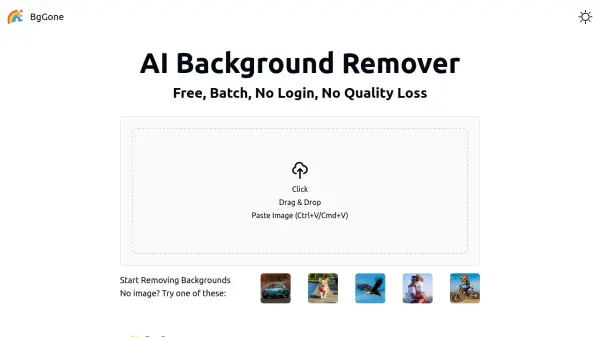
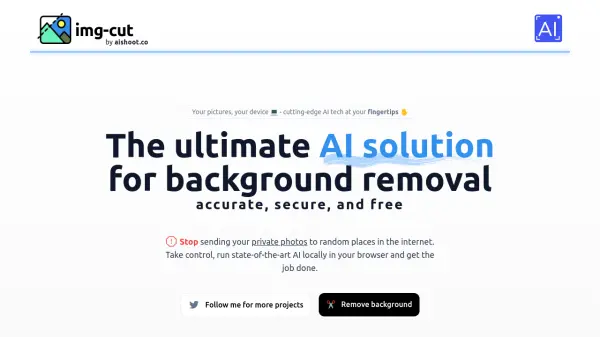
- Background Remover: AI-powered one-click background removal with transparent output
- Text Behind Image: Create professional depth effects with smart layering and custom fonts
- Privacy Protection: All processing happens locally in browser with no image uploads to servers
- Batch Processing: Process multiple images simultaneously (typically up to 10 at once)
- Format Support: Works with JPG, PNG, WEBP, HEIC, and HEIF image formats
Use Cases
- Compressing product photos for e-commerce websites
- Resizing social media images to platform-specific dimensions
- Converting image formats for compatibility with different applications
- Removing backgrounds from portraits for professional headshots
- Creating magazine-style graphics with text behind subjects
- Optimizing website images for faster loading times
- Preparing marketing materials with properly sized visuals
- Processing batch images for photography projects
FAQs
-
What is the maximum file size that can be processed?
The tools can handle images up to 50MB in size, covering most use cases from social media images to high-resolution photos. -
Can I use ImageRobo on mobile devices?
Yes, all tools work perfectly on mobile devices including smartphones and tablets with responsive design for any screen size. -
How many images can I process at once?
For batch processing, you can typically upload up to 10 images at once and process them simultaneously without any daily limits. -
What image formats does ImageRobo support?
The tools support JPG/JPEG, PNG, WEBP, HEIC, and HEIF formats for compression, resizing, and conversion operations. -
Are there any watermarks on processed images?
No, all processed images are completely watermark-free with no branding added to your files.