What is Image Text Editor?
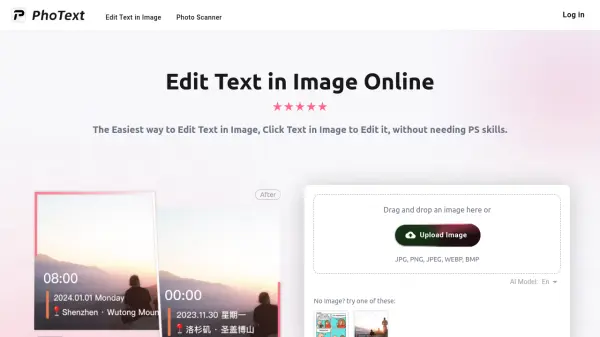
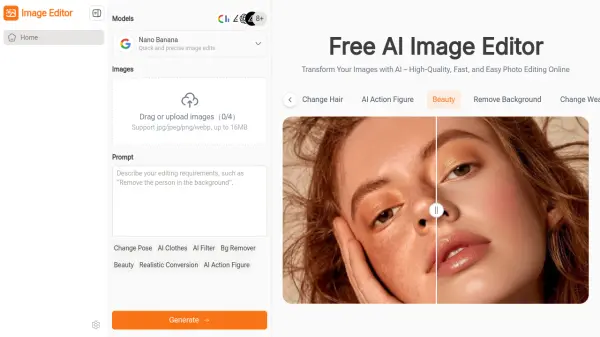
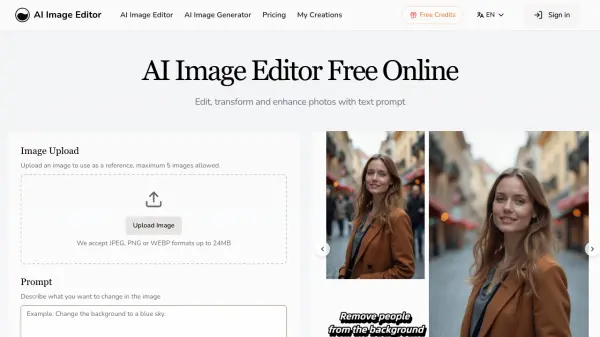
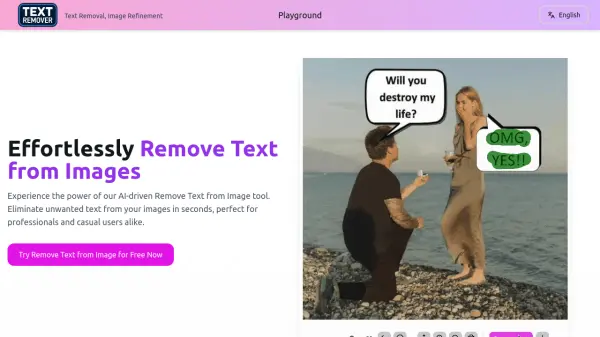
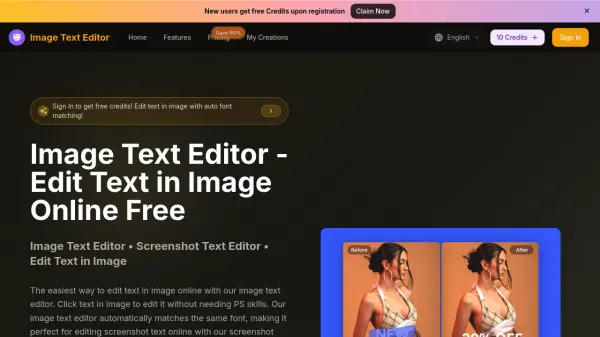
Image Text Editor is an AI-powered online tool that allows you to edit text in images effortlessly. Simply upload your image, and the intelligent system detects existing text, matches the original font style, size, and color, and lets you replace or modify text using natural language prompts. No Photoshop skills are required, making it accessible for everyone from hobbyists to professionals.
The tool supports JPG, PNG, and WEBP formats up to 5MB and works on both desktop and mobile browsers. It is ideal for updating product prices in e-commerce images, fixing text in old photos, editing screenshots, and modifying marketing materials. With features like smart text detection and instant processing, Image Text Editor delivers high-quality results in seconds.
Features
- Auto Font Matching: Automatically identifies and matches the original font style, size, and color when editing text.
- Smart Text Detection: Intelligently detects text in images and identifies font styles for seamless editing.
- Prompt-Based Editing: Edit or replace text in images using natural language instructions.
- High-Quality Output: Preserves image quality and delivers natural-looking results suitable for professional use.
- Cross-Platform: Works on desktop and mobile browsers without the need for an app.
Use Cases
- Update product prices and descriptions in e-commerce images.
- Fix or restore text in old or damaged photos.
- Edit screenshot text from apps, websites, or social media posts.
- Modify promotional text in marketing materials like flyers and banners.
- Change captions or labels in social media graphics and memes.
FAQs
-
How do I edit text in image online free?
Upload your image, click on the text you want to edit, and the tool will automatically detect and match the same font. You can then enter new text via prompt. No Photoshop skills are needed. -
Can I edit screenshot text online?
Yes, the screenshot text editor lets you upload screenshots and edit text instantly. It works on both desktop and mobile browsers. -
What image formats are supported?
The tool supports JPG, PNG, and WEBP formats up to 5MB. -
Do I need design skills to use this tool?
No, the tool is designed for everyone. Just upload, click text, and describe changes. The AI handles font matching and background blending automatically. -
How does the pricing and credit system work?
New users get free credits upon registration. Paid plans start at $9.9/month (annual) for 12000 credits per year. Credits are used per image edit. Unused credits may roll over depending on the plan.