Incidents close with Slack threads full of commands that worked once and context that disappears when engineers rotate off on-call. Runbooks stay stale because nobody has time to write them during recovery.
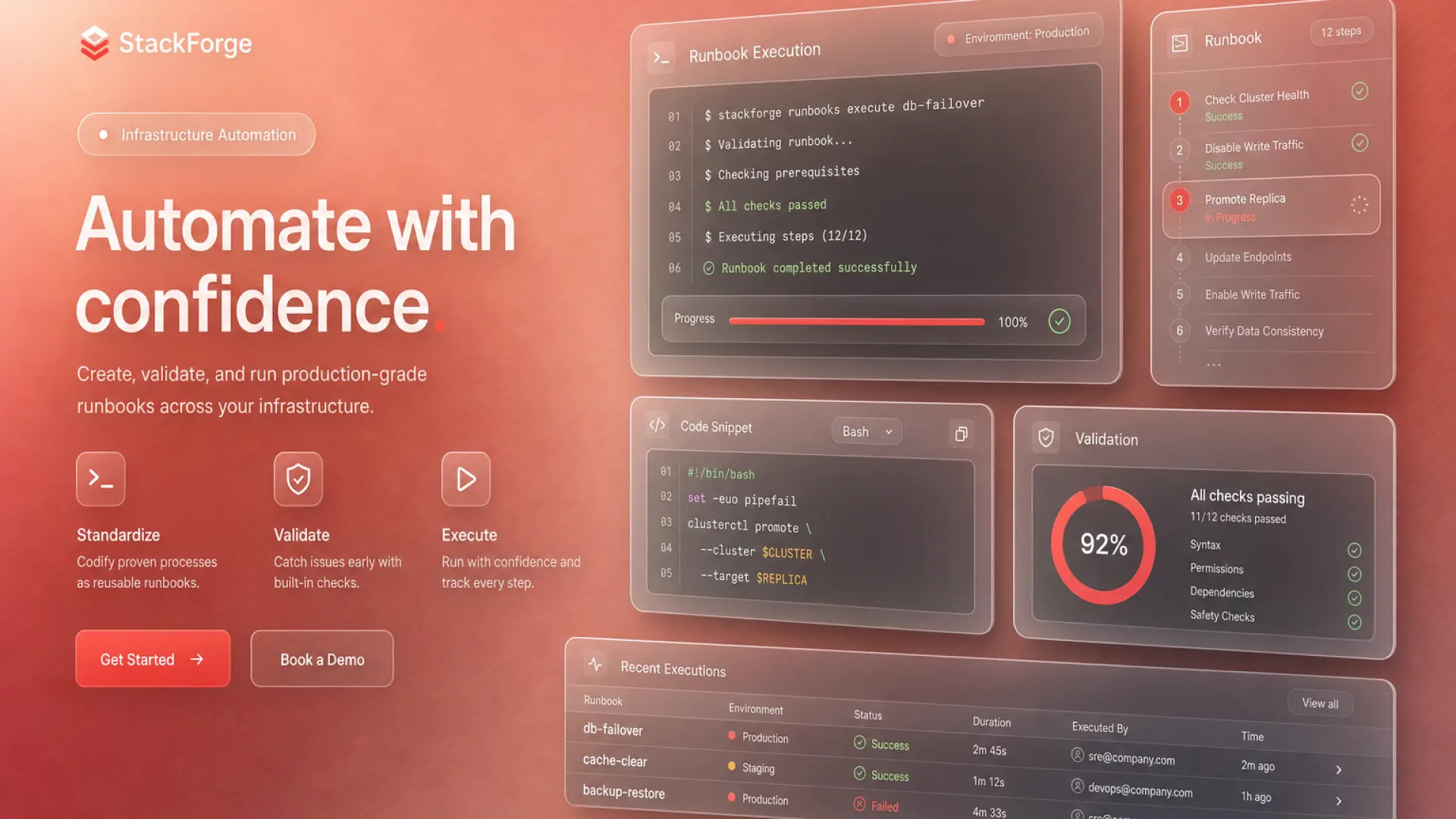
An AI workflow for DevOps runbooks turns incident timelines into draft runbooks and blameless postmortems while enforcing command validation and secrets exclusion. This guide covers ingestion, drafting, review checklists, and wiki publish. Explore related patterns in AI platform documentation and AI design system teams when runbooks cover multi-service UI outages.
Incident Timeline Ingestion
Feed AI structured incident data, not raw pager noise. A clean timeline produces runbook steps that match what actually happened during the outage.
- Export sources: PagerDuty timeline, Slack incident channel (redacted), Grafana annotations
- Normalize timestamps: UTC with links to dashboards at key moments
- Tag actors: Human actions vs automated remediation vs external vendor
- Strip secrets: API keys, tokens, internal hostnames if wiki is wider audience
- Attach severity and customer impact: SLO burn, tickets opened, regions affected
Before: Postmortem author reconstructs timeline from memory three days later.
After: AI drafts narrative from ingested timeline; author verifies each timestamp against source systems.
Runbook Draft From Past Incidents
Use resolved incidents as templates for future runbooks. AI extracts repeatable detection and mitigation steps while humans mark which steps are environment-specific.
Prompt structure for runbook drafts
- Service context: Architecture diagram link, dependencies, on-call rotation
- Symptoms: Alerts, customer-facing signals, false-positive patterns
- Diagnosis steps: Ordered checks with expected outputs
- Mitigation: Safe rollback, scale-up, feature flag, or failover paths
- Escalation: When to page platform vs vendor vs security
- Verification: Metrics and probes that confirm recovery
| Runbook section | AI can draft | Human must verify |
|---|---|---|
| Detection | Alert names from timeline | Thresholds still accurate |
| Commands | Shell snippets from incident log | Run in staging; check idempotency |
| Rollback | Deploy revert steps | Schema migration constraints |
Command and Config Review Checklist
No AI-generated command reaches production runbooks without a second engineer running it in a non-prod environment. Treat hallucinated flags as a expected failure mode.
- Copy-paste test: Run each command in staging with same role as on-call
- Destructive flag audit: Highlight rm, delete, force, and irreversible migrations
- Secrets scan: Grep draft for tokens, passwords, private URLs
- Version pins: CLI versions and API endpoints match current infra
- Blast radius note: Document what breaks if step fails halfway
- Peer sign-off: Service owner approves before wiki merge
Document exclusion rules in your team policy: never paste production credentials into AI tools; use placeholder variables and reference secret managers by name only.
Publish to On-Call Wiki
Published runbooks need discoverability, ownership, and review dates. AI drafts content; your wiki taxonomy determines whether on-call finds it at 3 a.m.
- Link from service catalog: Every tier-1 service has a primary runbook URL
- Owner and review SLA: Named engineer; review within 90 days or after any related incident
- Version history: Git-backed docs or wiki revision log with incident ID that triggered update
- Postmortem linkage: Closed incidents auto-suggest runbook PRs for missing steps
- Search keywords: Alert names, error strings, customer symptom phrases
Incident Summary Workflow
Parallel to runbooks, generate blameless postmortem drafts from the same timeline ingestion. Separate prompts for customer communication vs internal technical narrative.
| Postmortem section | Content source |
|---|---|
| Summary | AI draft from timeline; IC edits for accuracy |
| Root cause | Human-authored after five-whys; AI only structures bullets |
| Action items | Ticket IDs required; AI suggests, owners assign |
Frequently Asked Questions
Can AI tools access production systems?
No. AI drafts text only. Engineers run commands through approved bastions and CI. Integrations that read live configs need security review and read-only scopes.
How do we keep postmortems blameless when AI quotes Slack?
Redact names from prompts. Focus prompts on systems and process gaps. Reviewers edit AI output for blame language before publish.
How often should AI refresh existing runbooks?
Trigger refresh after every SEV-1/2 or when deploy pipeline changes. Quarterly batch review for tier-1 services without incidents.
What about multi-region runbooks?
Generate region-specific variants from one template. AI should not merge regions into a single generic step that omits failover order.
Runbooks That Survive the Next Incident
DevOps teams scale documentation when incident timelines feed validated runbook drafts, not when AI replaces command review. Publish to the on-call wiki with owners and test every step before the next page.