What is Image Splitter?
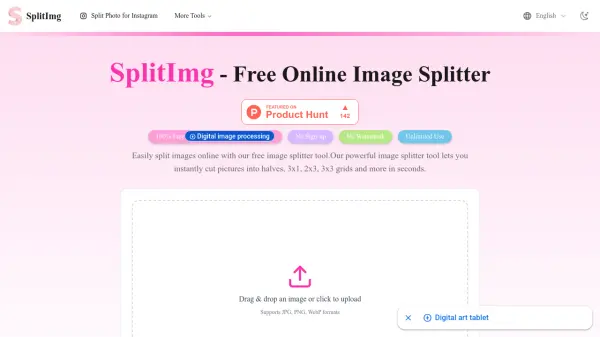
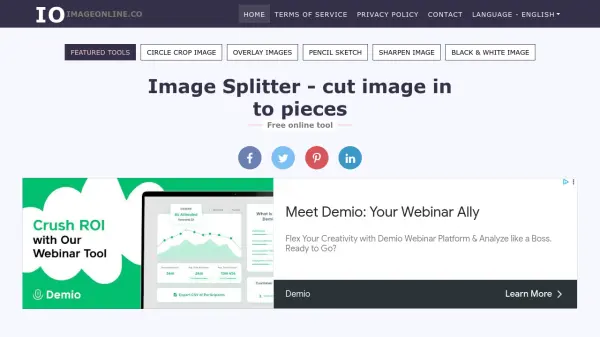
Image Splitter is a free online tool designed to easily divide images into multiple sections. This tool operates directly within your browser, ensuring complete security and privacy as no images are uploaded to any server.
Users can split images vertically, horizontally, or into a grid by specifying the desired number of rows and columns. The interface allows for draggable splitters, enabling precise control over where the image is divided. Once the splitting process is complete, a preview of the segmented images is displayed, and users can download all pieces at once in a convenient zipped format.
Features
- Vertical Split: Divide images vertically into two parts.
- Horizontal Split: Divide images horizontally into two parts.
- Grid Split: Split images into a grid using specified rows and columns.
- Draggable Splitters: Precisely position split lines for custom image segmentation.
- Browser-Based Processing: Ensures security and privacy by processing images locally.
- Zipped Download: Download all split image pieces in a single zipped file.
Use Cases
- Creating image grids for social media.
- Dividing large images for web optimization.
- Preparing images for printing in sections.
- Creating custom image layouts for design projects.
- Splitting scanned documents into individual pages.
FAQs
-
Is it free to use Image Splitter?
Yes, Image Splitter is completely free to use with no hidden costs, sign-up requirements, or limitations. -
Are my images secured when using this tool?
Yes, your images are processed within your browser and are not uploaded to any server, ensuring their security. -
How can I download the split images?
You can easily download all split images at once in a zipped format after the splitting process is complete. -
Is there is any restrictions?
There is no restrictions to use this tool, you can split any number of images, in any direction, as you want. No login, no signup and no other limitations with this tool.