What is IamVector?
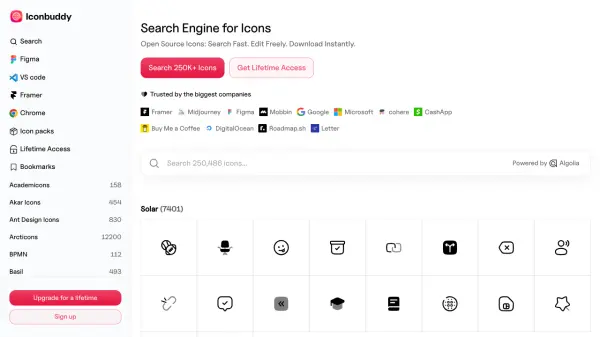
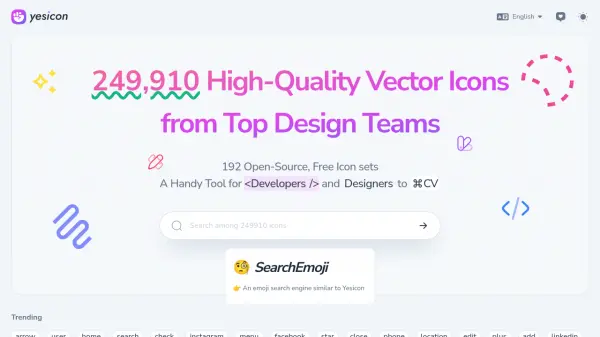
IamVector provides a comprehensive collection of open-source vector icons available in multiple formats including SVG, PNG, and WEBP. The platform offers thousands of icons across various categories such as fitness, religion, kids, work, and TV, with both filled and outlined styles available. Users can download these icons for free without any restrictions.
In addition to the icon library, IamVector includes practical design tools to enhance workflow efficiency. The SVG editor allows real-time preview and editing of SVG code, while the image converter simplifies format conversion between SVG and PNG. The image compressor reduces file sizes by up to 75% without quality loss. A Figma plugin is also available for direct access to the icon library within the design environment.
Features
- Icon Library: Thousands of free vector icons available in SVG, PNG, and WEBP formats across multiple categories
- SVG Editor: Real-time preview editor for writing and testing SVG code with instant results
- Image Converter: Tool for converting SVG images to PNG format with simple processing
- Image Compressor: Reduces image file sizes by up to 75% without losing quality
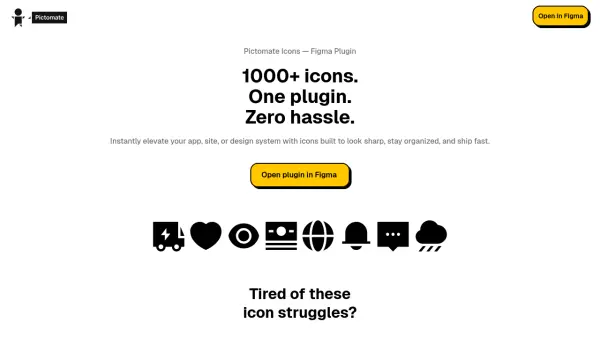
- Figma Plugin: Direct access to the icon library within Figma without third-party sites
Use Cases
- Downloading vector icons for design projects
- Converting SVG files to PNG format for compatibility
- Compressing images to reduce file sizes for web use
- Editing SVG code with real-time visual feedback
- Accessing icon libraries directly within Figma workflows
- Creating and sharing custom icon collections with teams