What is Yesicon?
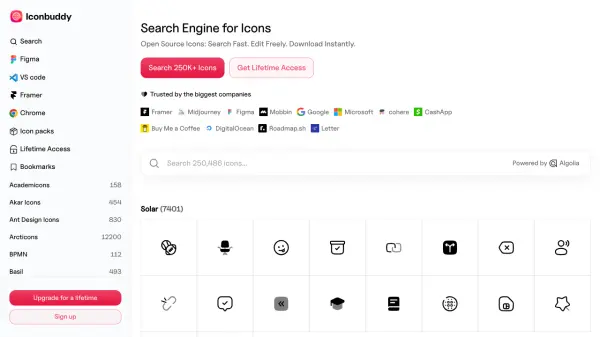
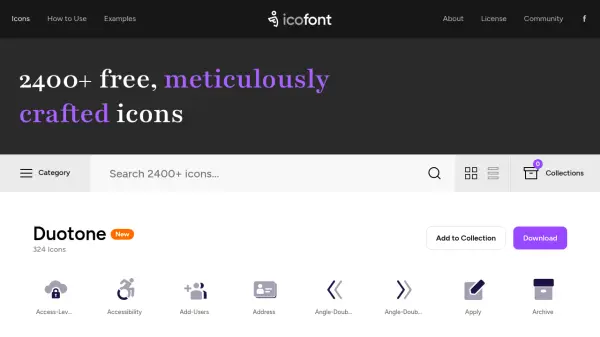
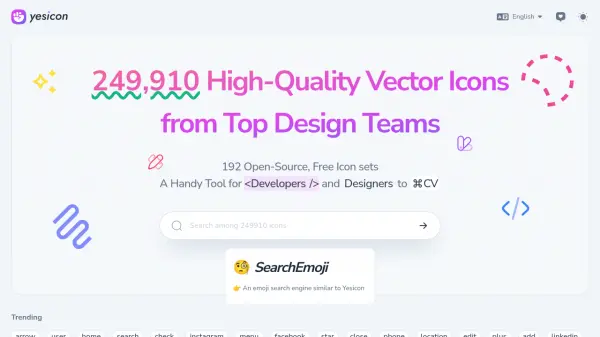
A comprehensive icon search platform that provides access to over 249,910 high-quality vector icons sourced from leading design teams worldwide. The platform aggregates 192 open-source icon sets, making it an invaluable resource for both developers and designers.
The collection includes various styles and categories, from Material Design and Fluent UI to specialized sets for programming, logos, and emojis. Each icon set comes with clear licensing information and attribution to original authors, ensuring proper usage rights for professional projects.
Features
- Extensive Collection: 249,910+ high-quality vector icons
- Open Source: 192 free icon sets available
- Multiple Categories: UI, programming, logos, emojis, and more
- Clear Licensing: Detailed license information for each icon set
- Search Functionality: Advanced keyword-based icon search
- Multiple Style Options: Various icon styles and design approaches
Use Cases
- Web development projects
- UI/UX design
- Mobile app development
- Digital branding
- Software interface design
- Documentation and presentation design
FAQs
-
What types of icon formats are available?
The icons are available in vector format, making them scalable for various use cases. -
Can I use these icons in commercial projects?
Yes, but you need to check the specific license for each icon set as they vary from MIT to Apache, CC BY, and other open-source licenses. -
How often is the icon collection updated?
The platform is regularly updated with new icon sets, currently featuring 192 different collections from various design teams.