What is Hylark?
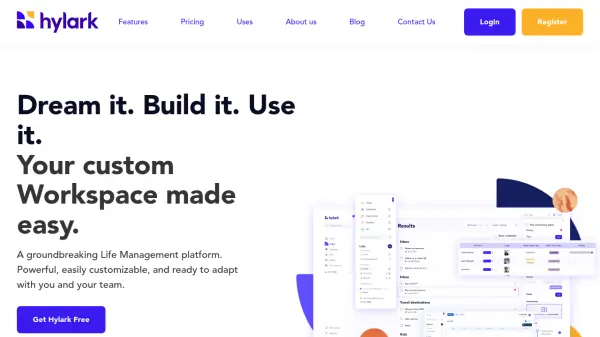
Hylark is a comprehensive life management platform that functions as a personalized CRM for both personal and professional use. The platform combines powerful task management capabilities with AI-assisted setup and customization options, enabling users to create tailored digital workspaces that adapt to their specific needs and workflows.
The platform offers seamless integration with Microsoft and Google services, allowing users to manage emails, calendars, and tasks in one centralized hub. With features ranging from collaborative workspaces to customizable data fields, Hylark empowers users to organize, plan, and achieve their goals while maintaining work-life balance through its intuitive interface.
Features
- AI-Assisted Setup: Smart customization and workspace configuration
- Task Management: Color-coded lists with deadlines and priorities
- Calendar Integration: Sync with Microsoft and Google calendars
- Collaborative Workspaces: Team sharing with custom permissions
- Custom Fields: 50+ field types for data customization
- File Storage: Document and media attachment capabilities
- Email Integration: Send and receive emails within the platform
- Pinboard System: Visual organization of ideas and inspiration
Use Cases
- Writing and publishing management
- Career development and job hunting
- Travel planning and itinerary management
- Business operations and growth
- Daily life administration
- Hobby project management
- Team collaboration and communication
- Event planning and coordination
FAQs
-
For how long can I use the Core plan for free?
The Hylark Core plans, both for collaboration and personal use, are free for the foreseeable future. -
How do I pay for the subscription?
Payments are processed securely with Stripe. No payment information is stored by Hylark. -
How do I set up a team workspace?
Select the Collaborative Workspace stream when creating your account, or create a new Collaborative Workspace from the navigation menu if you already have an account. Then invite team members to join.