
What is HacknPlan?
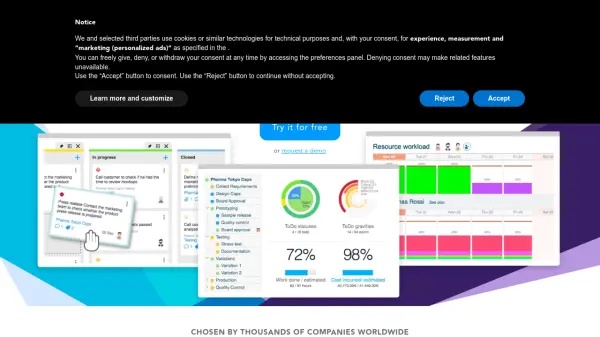
HacknPlan provides a comprehensive project management solution tailored specifically for game development workflows. The platform organizes kanban boards by technical disciplines to enhance team productivity and focus, allowing for efficient task assignment and progress tracking. It features a dynamic game design documentation system that links design elements directly to implementation tasks, ensuring documentation remains current throughout iterative development cycles.
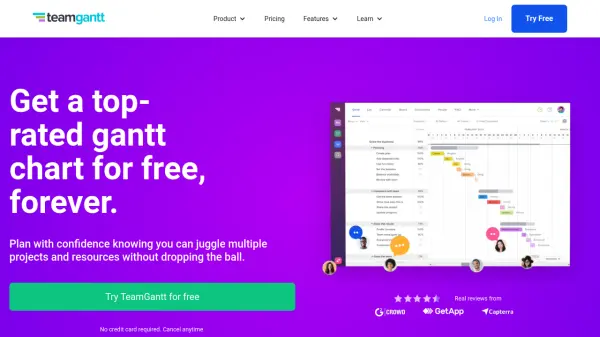
Advanced reporting capabilities include burndown charts, Gantt charts, progress reports, and activity logs to help teams measure performance and optimize planning. The platform supports iterative development with backlog management, real-time updates, dependency tracking, and integrations with popular tools like GitHub, GitLab, Slack, and Google services. Customization options allow teams to define their own categories, stages, and tags to personalize their workflow.
Features
- Task Management: Kanban boards organized by technical disciplines for improved productivity and focus
- Documentation: Integrated dynamic game design documentation that links design to implementation tasks
- Reporting: Advanced progress metrics including burndown charts, Gantt charts, and activity logs
- Customization: Define custom categories, stages, and tags for personalized workflow management
- Integrations: Connect with GitHub, GitLab, Bitbucket, Slack, Google services, and Discord
Use Cases
- Managing multidisciplinary game development projects with discipline-specific workflows
- Creating and maintaining dynamic game design documentation that stays current with development
- Tracking sprint progress and iteration planning for agile game development teams
- Monitoring project performance through advanced metrics and reporting tools
- Collaborating on game projects with real-time updates and dependency management
FAQs
-
What is the free trial period for premium plans?
HacknPlan offers a 30-day free trial for both Personal Plus and Studio tiers. After the trial period, if no subscription is purchased, the account automatically switches to the free Personal tier with limited features but data preserved. -
Can I switch between monthly and yearly billing cycles?
Yes, users can switch between monthly and yearly billing cycles at any time. Switching from yearly to monthly results in a refund of the unused portion as account credit for future payments. -
How does seat management work for the Studio plan?
The Studio plan requires purchasing seats for each team member who needs access to premium features. Seats can be added or removed anytime, with prorated charges for additions and credits issued for reductions. -
Where can I access my invoices?
Invoices are available on the subscription page and are automatically emailed to users when generated. -
Are refunds available for subscriptions?
Refunds are generally not supported except in cases of fraud or billing errors reported early in the cycle.