What is GrammarCheck?
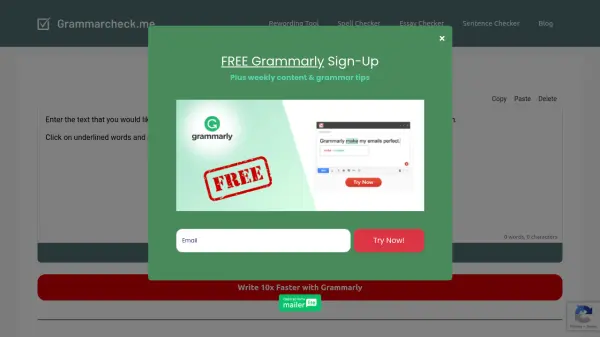
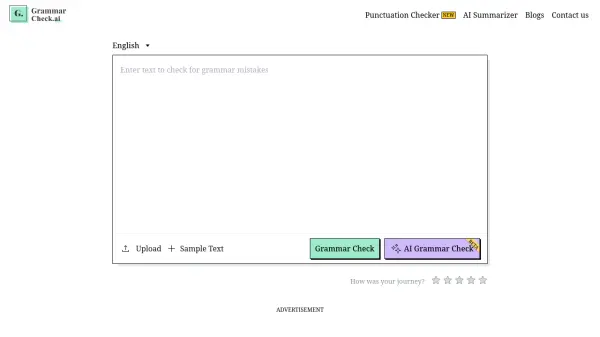
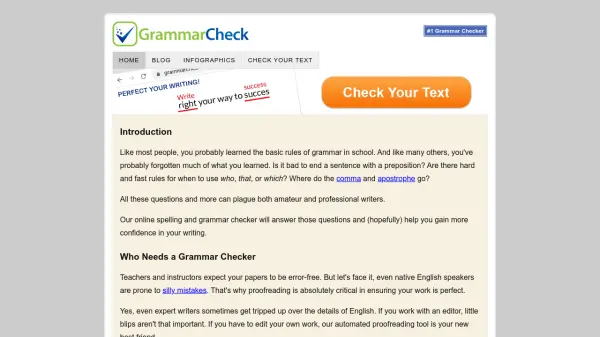
GrammarCheck provides an accessible online platform for users seeking to enhance the quality of their written English. It functions as an automated proofreading tool that scans text for common errors. Users can simply paste their text into the editor field on the website to begin the checking process without needing to install any software.
The tool highlights potential spelling mistakes, grammatical errors, and offers style suggestions, allowing users to review and correct their work efficiently. This service aims to assist various individuals, including students, professional writers, bloggers, and business communicators, in producing clear, error-free text. By identifying mistakes, GrammarCheck helps users build credibility, learn correct spelling and grammar, establish authority in their writing, and save time during the editing process. The platform emphasizes user privacy, stating that text is not cached on its servers.
Features
- Spelling Check: Identifies and suggests corrections for spelling mistakes.
- Grammar Check: Detects grammatical errors and provides suggestions for improvement.
- Style Suggestions: Offers guidance on writing style to enhance clarity and readability.
- Online Editor: Allows users to paste text directly into a web-based field for checking.
- No Software Installation: Fully web-based tool accessible from any browser without downloads.
Use Cases
- Students proofreading essays and papers before submission.
- Writers ensuring their articles, manuscripts, or content are error-free.
- Professionals improving the clarity and correctness of business reports, emails, and documents.
- Bloggers enhancing the quality and readability of their posts.
- Non-native English speakers checking their writing for accuracy.
- Anyone needing a quick check for spelling and grammar mistakes in their text.
FAQs
-
Do I need to install any software to use GrammarCheck?
No, GrammarCheck is an online editor and does not require any software installation. You can use it directly from your web browser. -
Is my text kept private when I use GrammarCheck?
According to their website, your information is safe and secure as text is never cached on their servers. -
What kind of errors does GrammarCheck identify?
GrammarCheck points out spelling errors, grammar suggestions, and style suggestions. -
Is GrammarCheck completely free to use?
The core online checking functionality described on the homepage is presented as free.