What is GPTExcel?
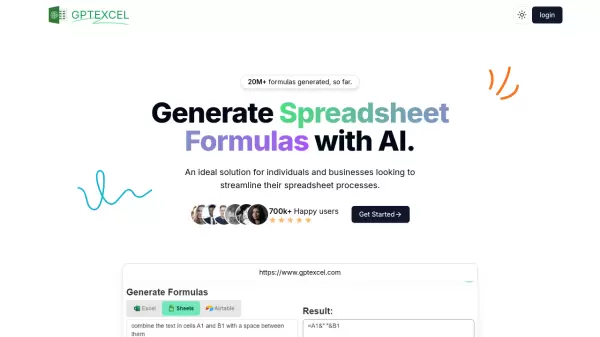
GPTExcel is a comprehensive AI-powered spreadsheet solution that revolutionizes how users interact with Excel, Google Sheets, and Airtable. The platform specializes in generating complex formulas, automation scripts, and table templates, making spreadsheet management more efficient and accessible.
With advanced capabilities in SQL query generation, regex pattern creation, and VBA script development, GPTExcel serves as an all-in-one tool for spreadsheet automation and data management. The platform has successfully generated over 20 million formulas and serves more than 700,000 satisfied users worldwide.
Features
- Excel Formula Generator: AI-powered formula creation for Excel and Google Sheets
- Script Generator: VBA, Apps Scripts, and Airtable automation script creation
- SQL Query Generator: AI-assisted query crafting and debugging
- Regex Generator: AI-powered pattern creation for data validation
- Template Generator: Automated table template creation for spreadsheets
Use Cases
- Automating repetitive spreadsheet tasks
- Creating complex Excel formulas
- Generating SQL queries for databases
- Building data validation patterns
- Developing VBA automation scripts
- Creating custom spreadsheet templates
- Streamlining Google Sheets workflows
FAQs
-
What languages are supported?
The tool supports multiple languages for formula generation and script creation. -
Can I use GPTExcel without a credit card?
Yes, GPTExcel offers a free tier that allows up to 4 requests per day without requiring a credit card. -
What happens when I cancel my subscription?
When you cancel your subscription, you will lose access to premium features but can still use the free tier features.