What is Ghost Browser?
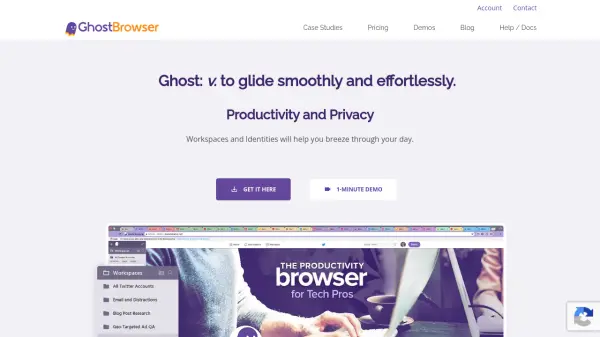
Ghost Browser is a productivity-focused web browser built on Chromium that enables users to manage multiple online identities and accounts simultaneously within a single window. It features isolated cookie jars, allowing you to log into different accounts on the same website without logging out. With support for permanent and temporary identities, flexible proxy assignments per tab or workspace, and seamless integration with Chrome extensions, Ghost Browser streamlines workflows for social media managers, web developers, customer support agents, and QA testers. The browser is compatible with Windows, macOS, and Linux, and offers team sync capabilities for sharing settings across organizations.
Features
- Multiple Identity Types: Choose permanent or temporary identities with isolated cookie jars.
- Powerful Proxy Options: Assign different proxies to each tab, identity, or workspace.
- Chrome Extensions: Import and use all your Chrome extensions instantly.
- Sync with Teams: Share workspaces, identities, cookies, and proxy settings across teams.
- Workspaces and Identities: Organize browsing sessions for different tasks or clients.
Use Cases
- Managing multiple social media profiles across platforms.
- Testing web applications with different user accounts and proxy settings.
- Separating work and personal browsing sessions in one window.
- Customer support agents handling multiple client accounts.
- SEO professionals monitoring search results from different geographic locations.
FAQs
-
Is Ghost Browser free?
Ghost Browser offers a free version with up to three different identities and no credit card required. Premium plans start from $21 per month (annual) for unlimited identities and additional features. -
Can I use Chrome extensions with Ghost Browser?
Yes, Ghost Browser is built on Chromium, so you can import all your Chrome extensions in under 30 seconds. -
What operating systems does Ghost Browser support?
Ghost Browser works on Windows, macOS, and Linux.