What is Gallery Systems TMS Suite?
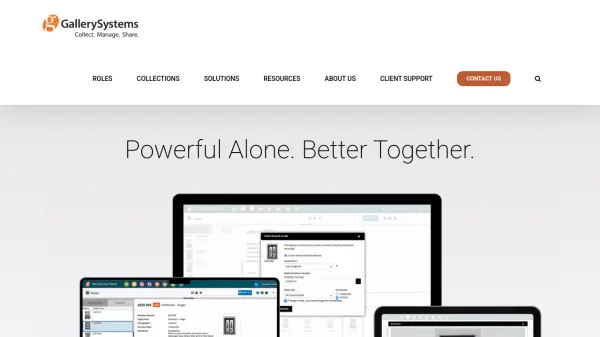
The TMS Suite by Gallery Systems provides a comprehensive software platform designed specifically for museums and cultural institutions. This integrated solution offers applications for collections management, online collections, conservation documentation, and digital asset management, all sharing a single database to streamline operations and reduce resource requirements.
Developed with input from museum experts, the platform supports various collection types including fine art, natural history, corporate collections, and time-based media. The web-based software delivers secure access with extensive accessibility features and is available in 24 languages, making it suitable for global institutions seeking to enhance their collection management workflows.
Features
- Integrated Database: All applications share a single database for streamlined operations
- Collections Management: Comprehensive tools for managing various collection types
- Online Collections: Platform for digitizing and sharing collections online
- Conservation Documentation: Specialized tools for museum conservation workflows
- Digital Asset Management: System for organizing and accessing digital media assets
- Multilingual Support: Available in 24 languages for global accessibility
- Security Features: Web-based solutions with secure access protocols
- Expert Support: In-house team with museum expertise provides client support
Use Cases
- Managing museum collections and artifacts
- Digitizing collections for online public access
- Documenting conservation processes and treatments
- Organizing digital assets and media files
- Supporting registrar workflows for art loans
- Managing corporate art collections
- Preserving historical and natural history collections
- Administering university museum collections