
What is FreePrints?
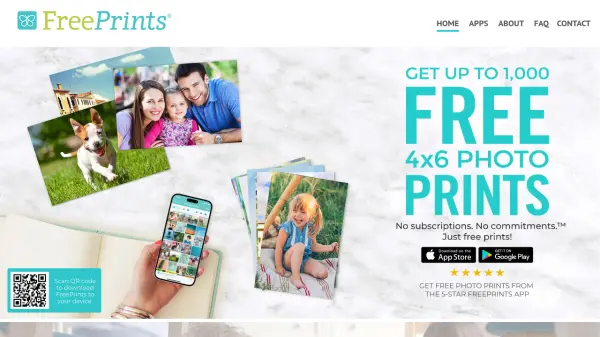
FreePrints is a photo printing service that provides users with free 4x6 prints delivered directly to their homes. Users can select photos from their mobile devices or from connected platforms like Facebook and Google Photos. The service prints on high-quality deluxe glossy or premium matte paper and ensures fast delivery within days.
In addition to the free prints, FreePrints offers various other print sizes for purchase, including 5x5, 5x7, 8x10, 11x14, 12x18, 16x20, 20x30, and wallet sizes. Shipping and handling fees start at $1.99 and are capped at $9.99 regardless of order size. The platform emphasizes user privacy by honoring preferences regarding the sale or sharing of personal information.
Features
- Free Prints: Up to 85 free 4x6 prints per month, limited to one per photo
- Multiple Size Options: Additional sizes available for purchase including 5x5, 5x7, 8x10, 11x14, 12x18, 16x20, 20x30, and wallet
- Easy Ordering: Two-step process to select photos and check out via mobile app
- Fast Delivery: Prints delivered to doorstep in just days
- Paper Choices: Prints on deluxe glossy or premium matte paper
- Privacy Protection: Options to limit sale or sharing of personal information
Use Cases
- Printing personal photos for albums or framing
- Creating physical copies of digital memories from social media
- Ordering affordable prints for gifts or decorations
- Producing multiple prints for events or parties
- Archiving photos in physical form for preservation