FreeFind favicon

FreeFind
Add advanced site search to your website in minutes

What is FreeFind?

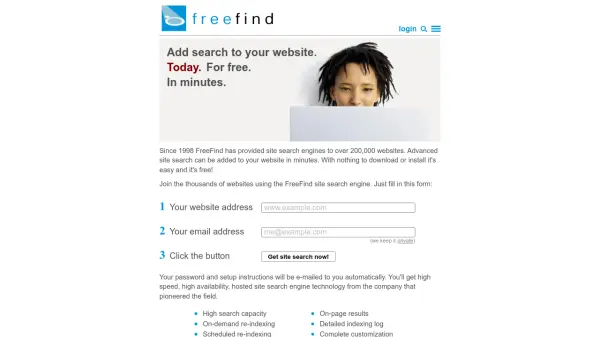
FreeFind is a hosted site search engine service that allows website owners to add advanced search functionality to their sites quickly and easily. With nothing to download or install, you can set up a powerful search engine for your website in minutes. FreeFind offers high-speed search, high availability, and a range of features including adjustable relevance scoring, phrase matching, stemming and stopwords in multiple languages, PDF and document indexing, automatic site maps, and complete customization of search results. The service has been used by over 200,000 websites since 1998 and provides both free and professional versions.

Features

  • High search capacity: Handles large volumes of searches efficiently.
  • On-demand re-indexing: Re-index your entire site at any time.
  • Scheduled re-indexing: Automatically re-index as often as daily.
  • Complete customization: Customize search results to match your site's look and feel.
  • Site search API: Perform searches programmatically via AJAX or server-side (professional version).
  • Adjustable relevance scoring: Tune search results for your site.
  • Phrase matching: Choose exact, near, or far phrase matching.
  • PDF and document indexing: Index PDF, Word, PowerPoint, and other formats.
  • Automatic site map: Generate customizable site maps.
  • Language support: Works with many languages and Unicode.

Use Cases

  • Adding search functionality to a website without coding.
  • Improving user experience by enabling site-specific searching.
  • Indexing and searching documents like PDFs and Word files on a site.
  • Providing advanced boolean search for technical or research websites.
  • Creating a custom search engine for an intranet or protected content area.

Related Tools:

Blogs:

  • Top 6 AI note-taking tools for 2026: in-person, online, and hybrid use cases

    Top 6 AI note-taking tools for 2026: in-person, online, and hybrid use cases

    Most AI note-taking lists are really lists of meeting bots, which join your video call and transcribe it. That's useful, but it's half the picture. Decisions happen in hallway conversations, client dinners, on-site visits, and hybrid rooms where nobody is on a video link. This guide covers different parts of the note-taking workflow: hardware capture for in-person settings, platform-native tools for online calls, and AI layers for organizing and synthesizing what you've captured. It compares six tools by capture context, workflow fit, pricing, and limitations.

  • Best AI tools for recruiters

    Best AI tools for recruiters

    These tools use advanced algorithms and machine learning to automate tasks such as resume screening, candidate matching, and predictive analytics. By analyzing vast amounts of data quickly and efficiently, AI tools help recruiters make data-driven decisions, save time, and identify the best candidates for open positions.

  • Best ai tools for Twitter Growth

    Best ai tools for Twitter Growth

    The best AI tools for Twitter's growth are designed to enhance user engagement, increase followers, and optimize content strategy on the platform. These tools utilize artificial intelligence algorithms to analyze Twitter trends, identify relevant hashtags, suggest optimal posting times, and even curate personalized content.

  • Best AI tools for Product Photography

    Best AI tools for Product Photography

    Explore top AI tools that can elevate your product photography, helping you enhance images, streamline workflows, and create professional visuals with ease.

Didn't find tool you were looking for?

Be as detailed as possible for better results