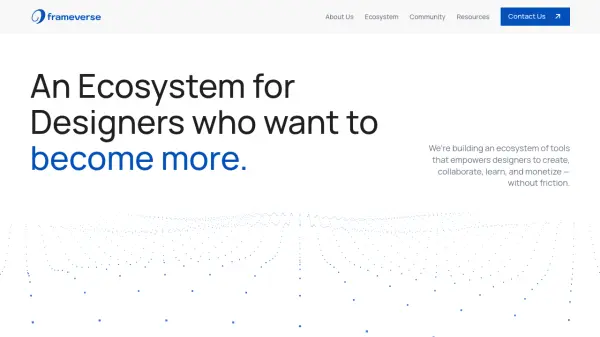
What is Frameverse?
Frameverse is a comprehensive ecosystem designed specifically for designers, integrating multiple tools to streamline the creative process. It combines secure sharing capabilities, AI-driven feedback, and community collaboration to help designers protect their work, improve their skills, and advance their careers. The platform focuses on reducing friction in daily workflows by offering solutions that address common challenges in design.
Through its ecosystem, Frameverse provides tools like Frameshare for secure asset sharing and Refyna AI for adaptive learning and design audits. It also includes a community component where designers can collaborate and gain early access to new features. The ecosystem aims to create a connected environment that supports designers from creation to monetization, leveraging AI to enhance performance and automation.
Features
- Frameshare: Figma plugin for secure sharing of specific frames and assets without exposing entire files
- Refyna AI: Adaptive learning platform with AI design audits and skill-building quizzes
- Community Access: Exclusive community for collaboration and early access to products
- Bespoke Solutions: Custom enterprise-grade software and strategic consultation services
- Applied AI: Proprietary AI solutions for automating high-friction problems
Use Cases
- Secure collaboration on design projects without exposing full files
- Receiving AI-powered feedback to improve design skills
- Joining designer communities for networking and early feature access
- Developing custom software solutions for enterprise design needs
- Automating repetitive design tasks through AI integration
FAQs
-
How can I join the community?
Joining is easy! Simply click the 'Join Community' button, create an account, and you'll get instant access to our Discord server and resource library.