What is Fixkey?
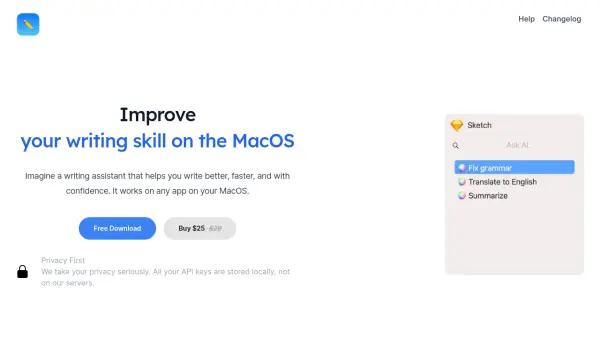
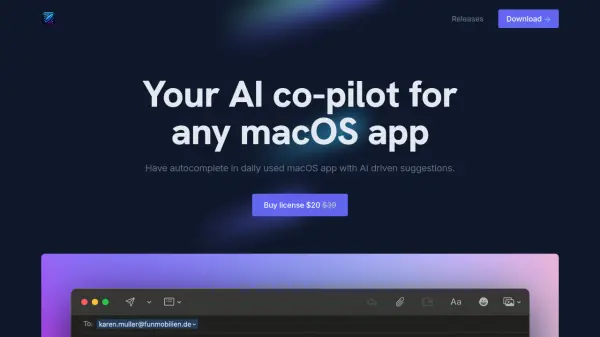
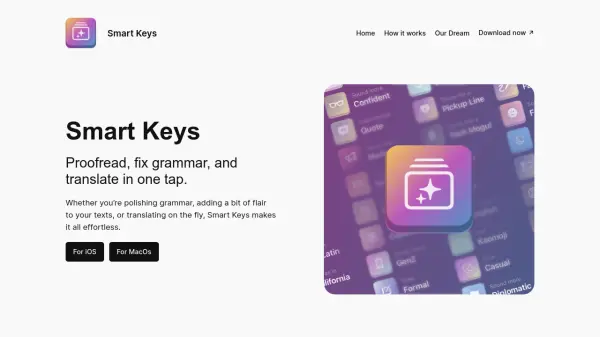
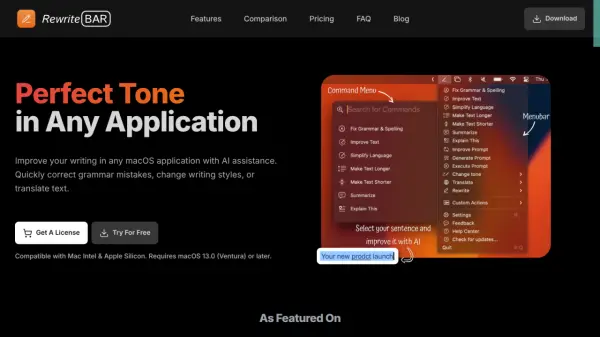
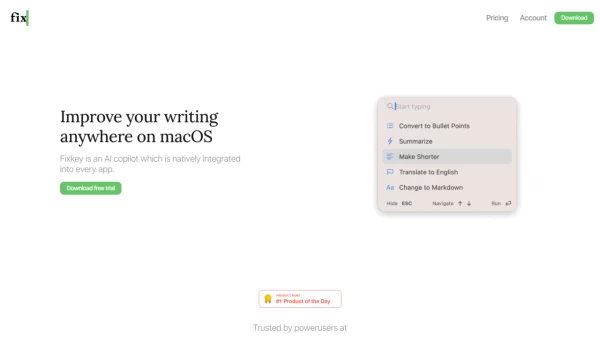
Fixkey is an innovative AI copilot designed specifically for macOS users. It integrates seamlessly into any application, empowering users to enhance their writing with advanced AI capabilities. By simply selecting text, users can instantly improve their grammar, translate languages, and customize prompts. The tool supports over 200 languages and offers features such as custom shortcuts and quick responses.
The software is engineered to operate natively on macOS, ensuring a lightweight and efficient user experience. Whether for professional writing, academic needs, or casual communication, Fixkey's versatility makes it an indispensable tool for macOS users.
Features
- Native Integration: Seamlessly works across all macOS applications
- Language Support: Offers translation and grammar improvement for over 200 languages
- Custom Shortcuts: Users can create shortcuts to trigger actions quickly
- Quick Response: AI model responds in less than 200 milliseconds
- Prompt Editor: Allows customization of prompts for different use cases
Use Cases
- Professional writing and editing
- Academic research and homework
- Multilingual communication and document translation
- Custom scripting and prompt creation
FAQs
-
What makes Fixkey different from traditional editing tools?
Fixkey utilizes AI technology to provide advanced capabilities like grammar improvement, language translation, and prompt customization across all macOS applications, offering a more integrated and efficient solution. -
Can I use Fixkey for languages other than English?
Yes, Fixkey supports over 200 languages, making it suitable for users who need translation and grammar improvement in various languages. -
How quick is the AI response with Fixkey?
The AI model in Fixkey responds in less than 200 milliseconds, ensuring immediate feedback and suggestions while editing text. -
Is Fixkey easy to use for beginners?
Fixkey is designed for seamless integration and user-friendly experience, making it accessible for beginners and professionals alike to enhance their writing on macOS applications.