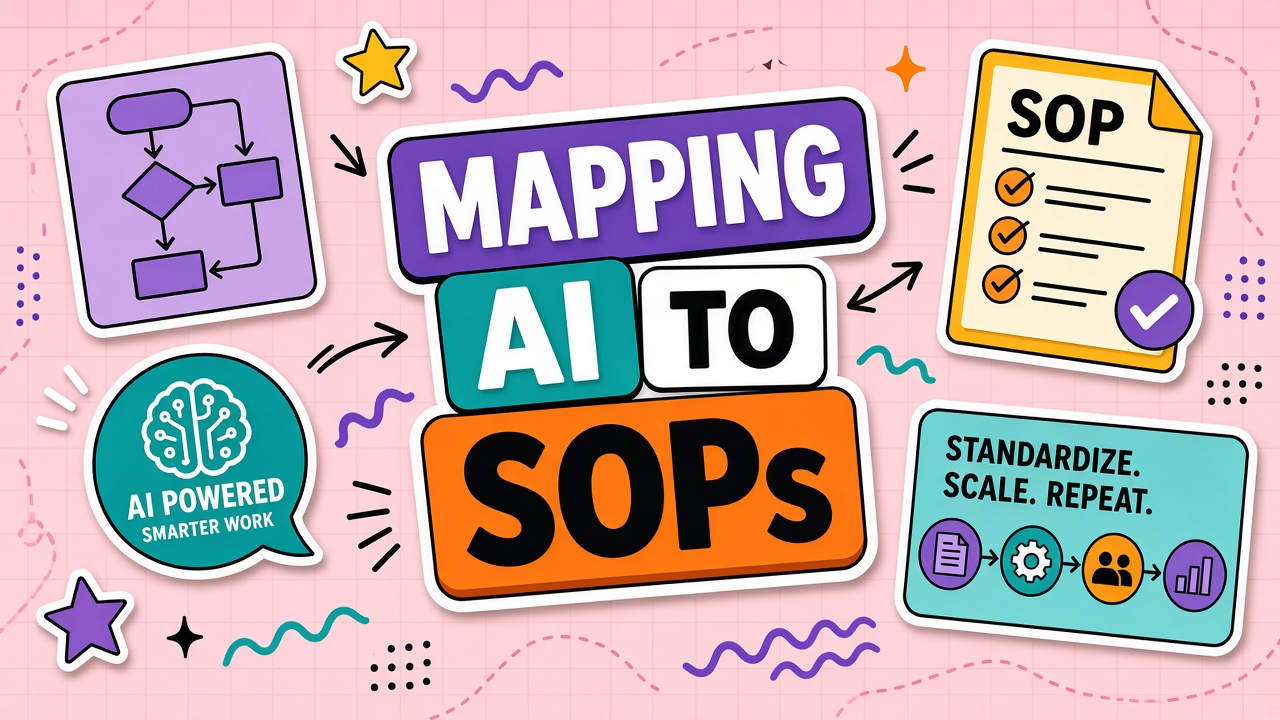
Operations teams already live in SOPs. When AI adoption happens in side chats and personal prompt tabs, auditors see a gap: the official procedure says one thing, and the floor does another. Regulators and customers do not care that the draft was faster. They care whether the process was followed and reviewable.
Mapping AI tools to SOP documentation means attaching each AI-assisted step to the same fields your compliance team already uses: trigger, inputs, tool, human checkpoint, and output. This guide gives you a field-by-field template, a versioning playbook for vendor changes, and training patterns that keep SOPs current. Start with workflows you already document, then browse AI productivity tools and AI automation tools only after the SOP skeleton exists.
Why Orphan AI Experiments Fail Audits
An orphan AI experiment is any assisted step that never appears in the controlled procedure. Someone pastes ticket text into a chatbot, exports a summary, and moves on. The output looks fine. The audit trail does not exist. When quality or privacy questions arise, leadership cannot answer who approved the model, what data entered the vendor system, or which human verified the result.
Audits fail on gaps, not on speed. Common failure modes include undocumented data types entering external systems, missing human sign-off before customer-facing publish, prompt text that lives only in one employee's notes, and version drift between the wiki SOP and what practitioners actually run. Mapping AI into SOP fields closes those gaps without banning experimentation. Experiments graduate into SOPs or stay in sandbox tiers with explicit rules.
Audit risk signals to fix first
- Shadow prompts: Production work relies on text that is not versioned or owned.
- Checkpoint skip: AI output ships without the same review step the SOP requires for manual work.
- Tool sprawl: Multiple products perform the same SOP step with different data policies.
- Exception creep: "Just this once" becomes the default with no logged waiver.
| Orphan pattern | Audit question you cannot answer | SOP fix |
|---|---|---|
| Personal chat account | Which vendor processed customer data? | Named enterprise tool and plan tier in SOP |
| Copy-paste publish | Who verified accuracy before release? | Human checkpoint with rubric in SOP |
| Ad hoc prompt edits | What instructions produced this output? | Versioned prompt reference in SOP |
SOP Fields: Trigger, Input, Tool, Human Checkpoint, Output
Treat each AI-assisted step as a normal SOP step with five required fields. If any field is blank, the step is not production-ready. This structure mirrors how operations teams already write procedures; you are adding tool specificity, not inventing a parallel document.
Field definitions
- Trigger: Event that starts the procedure (ticket assigned, form submitted, calendar slot).
- Input: Data allowed into the tool, redaction rules, and source systems.
- Tool: Product name, workspace, model or mode if selectable, and link to internal admin record.
- Human checkpoint: Reviewer role, checklist, and pass or fail criteria before downstream use.
- Output: Format, destination system, and retention rules for both AI draft and final artifact.
| SOP field | Example entry | Weak entry (rewrite) |
|---|---|---|
| Trigger | Tier-one support ticket tagged "how-to" | "When someone needs help" |
| Input | Ticket subject and last public reply; no attachments with PII | "Paste whatever is relevant" |
| Tool | Acme Assist, Team workspace, Reply Draft template v3 | "Use AI" |
| Human checkpoint | Agent verifies facts against KB; manager spot-checks 10% | "Review if you have time" |
| Output | Public reply in Zendesk; draft not stored in vendor after send | "Send to customer" |
For teams comparing automation platforms, align the Tool field with products you evaluate in AI automation categories only after inputs and checkpoints are written. The SOP defines the job; the vendor fills the Tool cell.
How to Map an Existing SOP in Seven Steps
Do not rewrite every procedure at once. Pick one high-volume workflow with an owner who already maintains the SOP. Run this sequence in a single working session, then pilot for two weeks before expanding.
- Print the current SOP and highlight steps where practitioners already use AI unofficially.
- Interview two performers on the last three jobs; note tools, prompts, and review habits.
- Draft AI sub-steps using the five fields for each unofficial assist point.
- Align checkpoints with existing QA; do not weaken review because generation is fast.
- Assign SOP owner for the AI subsection and a quarterly review date.
- Publish prompt version in your prompt library linked from the SOP.
- Train with one sandbox job per role before production flag flips.
Versioning SOPs When Vendors Change Features
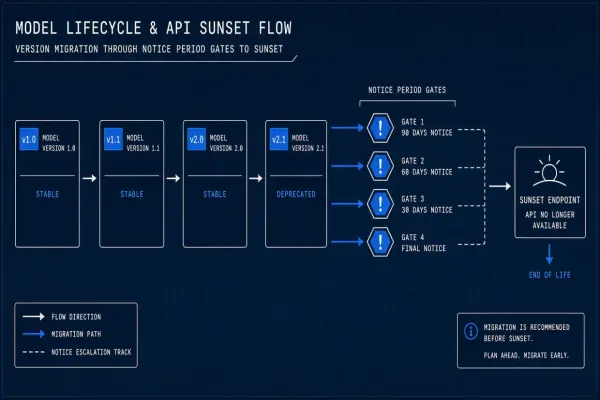
Vendor dashboards change models, defaults, and export paths without a ticket to your ops team. SOPs must version when the Tool field or expected output shape changes, not when marketing renames a button. Tie SOP version bumps to a change log entry with effective date, author, and retraining requirement.
When to bump SOP version
- Default model or mode changes output structure reviewers rely on.
- Data residency, retention, or training opt-out settings move on your plan.
- Integration path changes (API vs copy-paste) affecting the Output field.
- Critical failure in production traced to prompt or checkpoint gap.
| Change type | SOP action | Training action |
|---|---|---|
| Minor UI rename | Note in change log only | None if steps unchanged |
| New default model | Bump version; update Tool field | Sample output review in team sync |
| Policy-relevant data handling | Bump version; update Input field | Mandatory re-read and attestation |
Training Staff Using SOP-Linked Playbooks
Training fails when the SOP lives in compliance software and the playbook lives in Slack. Link one canonical playbook per SOP version: short walkthrough, annotated good and bad outputs, and a fifteen-minute sandbox exercise. New hires complete the sandbox before solo production use. Returning staff re-run sandbox only when version bumps affect checkpoints or inputs.
Playbook checklist
- Link to exact SOP version and effective date.
- Embed or link versioned prompt text, not paraphrase.
- Include two sample inputs: typical and edge case.
- Show failed checkpoint example and how to escalate.
- List approved tools; flag personal accounts as out of scope.
Pair SOP mapping with broader documentation habits described in workflow guides for AI productivity adoption. Consistency across SOPs, playbooks, and prompt libraries is what makes audits boring in a good way.
SOP Mapping Examples by Function
The five fields look abstract until you see them filled for real jobs. Use these patterns as starting points; your inputs and checkpoints will differ by policy.
| Function | Trigger | Tool step | Checkpoint |
|---|---|---|---|
| Support | Tier-one ticket assigned | Draft reply from public thread text | Agent verifies against KB article IDs |
| Marketing | Brief approved in Asana | Generate outline from brief plus style guide link | Editor applies brand rubric before design handoff |
| Operations | Weekly inventory report due | Summarize CSV export into exception list | Analyst spot-checks ten rows against source |
Each example should link to the same prompt version your team stores in a shared library. When the SOP says "use AI" without naming the template, performers revert to orphan experiments within a month.
Exceptions and Regulated Workflows
Regulated workflows need explicit exception paths. When AI cannot run, the SOP must name the manual fallback and who approves temporary waivers. Log exceptions with ticket ID, reason, approver, and expiry. Unlogged exceptions become the next audit finding.
High-risk steps may require dual human review even when AI drafts. Low-risk internal summaries may allow lighter checkpoints. Risk tier belongs in the SOP header so auditors see why checkpoints differ across similar-looking tasks.
Audit readiness checklist
- Every production AI step appears in a versioned SOP with five fields complete.
- Prompt library version matches SOP reference on effective date.
- Exception log reviewed monthly; expired waivers closed or renewed with approver.
- Training records show sandbox completion for roles on current SOP version.
- Tool admin list matches vendors named in SOP Tool fields.
Frequently Asked Questions
How detailed must SOPs be for regulated industries?
Detailed enough that an auditor can trace trigger to output without interviewing staff. Name the tool, data classification, reviewer role, and evidence stored. Vague "use AI responsibly" language fails every time. Your legal team sets classification rules; operations maps them into the five fields.
Can one SOP step list multiple approved tools?
Yes when tools are interchangeable on inputs, checkpoints, and outputs. Prefer one primary and one backup to limit drift. Each tool needs its own admin record and plan tier noted. If checkpoints differ by vendor, split into separate SOP steps.
SOP vs prompt library: what goes where?
The SOP holds procedure, roles, triggers, checkpoints, and links. The prompt library holds versioned prompt text and samples. Never duplicate full prompt bodies in two places without version sync. The SOP links to prompt v3; the library owns v3 content.
How fast should we roll SOP updates after mapping AI?
Pilot one workflow for two weeks with the updated SOP in draft status. Promote to production when checkpoints catch failures in testing and practitioners complete sandbox training. Rolling all SOPs at once guarantees unfollowed documents.
What about employees who still use personal AI accounts?
Mark them out of scope in the SOP and enforce through access and culture, not hope. Provide an approved enterprise path that is faster than shadow tools. Unmapped personal use stays an audit and security liability.
The Bottom Line
Map AI tools into SOPs using trigger, input, tool, human checkpoint, and output fields. Version procedures when vendors change behavior, train through linked playbooks, and log exceptions. Orphan experiments fail audits; documented steps pass them. Start with one owned workflow, then expand across AI automation and productivity categories only where the SOP already defines the job.