
What is Feather?
Feather is a versatile Minecraft client and launcher designed to elevate the gaming experience through integrated features and customization options. It includes over 40 built-in mods such as FPS enhancements, Keystrokes, and ToggleSprint, allowing players to improve performance and personalize their gameplay without external installations. The tool supports adding custom Forge or Fabric mods via a mod manager, enabling users to easily manage and toggle each mod according to their preferences.
Additional functionalities include cross-server chat for communicating with friends across different servers, built-in voice chat for real-time interaction with Feather users, and a free server hosting feature that runs directly from a user's PC while protecting their IP address through a proxy network. The launcher also offers a skin manager for storing and changing skins, along with a customizable HUD that lets players move and resize mods for an optimized interface.
Features
- FPS Boost: Improve Minecraft performance through built-in enhancements or third-party mods
- Add Own Mods: Integrate custom Forge or Fabric mods directly into the launcher with easy management
- Built-in Voice Chat: Communicate with other Feather users in real-time during gameplay
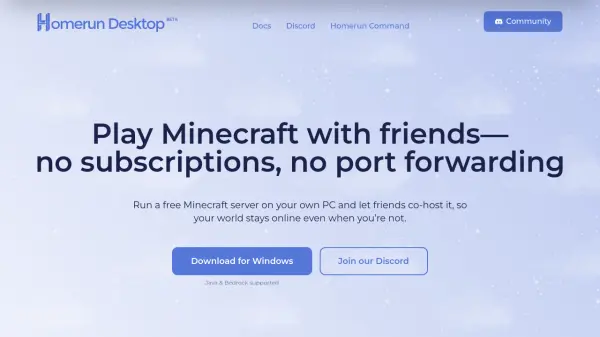
- Free Server Hosting: Host Minecraft servers for free from your PC with IP protection via proxy network
- Cross-Server Chat: Talk to friends across different Minecraft servers seamlessly
- Customizable HUD: Move and resize mods to personalize the gaming interface
- Skin Manager: Store and change Minecraft skins directly from the launcher
- Mod Library: Access over 40 built-in mods including Keystrokes and ToggleSprint
Use Cases
- Enhancing Minecraft gameplay with performance mods and FPS boosts
- Hosting private Minecraft servers for free without external hosting services
- Customizing Minecraft interfaces with mods and HUD adjustments
- Communicating with friends across multiple servers using cross-server chat
- Managing and switching between multiple Minecraft skins easily
- Adding and toggling custom mods for personalized gaming experiences
- Using built-in voice chat for multiplayer sessions with Feather users