What is Homerun Desktop?
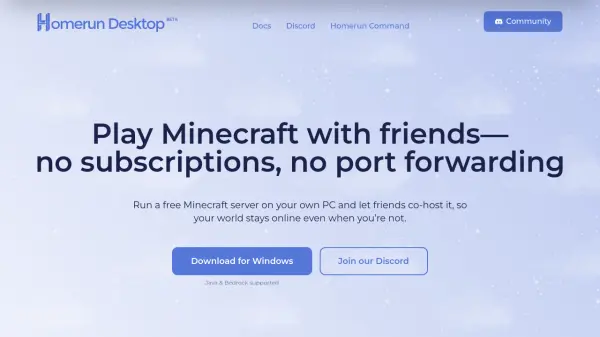
Homerun Desktop provides a solution for hosting Minecraft servers directly on a user's personal computer. It eliminates the need for subscription services and complex port forwarding setups by handling networking automatically. The tool supports both Java and Bedrock editions of Minecraft, allowing seamless multiplayer experiences.
Users can invite friends to co-host servers from their own devices, ensuring the world remains online even when the primary host is offline. The platform includes features for easy mod installation with one-click functionality, removing manual configuration requirements. Currently available for Windows 11, with plans to expand to Mac OS and Linux in the future.
Features
- Free Hosting: No subscription fees or hidden costs during early access beta
- Co-Hosting: Friends can run the server from their computers to keep it online
- Mod Support: Install popular mods and modpacks with one-click functionality
- No Port Forwarding: Automatic networking setup for easy friend connections
- Multi-Edition Support: Compatible with both Java and Bedrock Minecraft versions
Use Cases
- Hosting private Minecraft servers for friends
- Creating persistent Minecraft worlds that stay online
- Playing Minecraft multiplayer without subscription services
- Setting up modded Minecraft servers easily
- Running Minecraft servers without technical networking knowledge
FAQs
-
How does Homerun Desktop keep servers online when hosts are offline?
It allows multiple friends to co-host the server from their own computers, so if one host goes offline, another can continue running the world. -
What platforms is Homerun Desktop currently available on?
It is available for Windows 11, with plans to release versions for Mac OS and Linux in the future. -
Can I use mods with Homerun Desktop servers?
Yes, it supports one-click installation of popular mods and modpacks without manual configuration.