
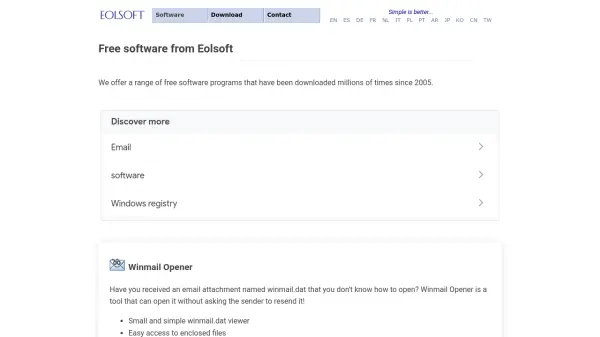
What is Eolsoft?
Eolsoft provides a suite of free software utilities designed to solve specific Windows-related challenges. The company has been developing and distributing these tools since 2005, with millions of downloads across their product line. Their software focuses on practical functionality with minimal system impact, offering solutions for email attachment issues, multimedia playback, and system registry management.
All Eolsoft programs are available at no cost for both personal and business use, with multilingual support and regular updates to maintain compatibility with modern Windows systems. The tools are lightweight, easy to use, and operate locally on users' computers without requiring cloud uploads or subscriptions.
Features
- Winmail Opener: Opens TNEF-encoded winmail.dat email attachments without requiring sender resend
- Flash Movie Player: Standalone SWF player with rewinding, full-screen mode, and playlist support
- Registry Jumper: Quickly navigates to specific Windows registry keys with favorites and history features
- Multilingual Support: Software available in multiple languages including English, Spanish, German, French, and more
- Local Processing: All tools work directly on users' computers without cloud upload requirements
Use Cases
- Opening winmail.dat email attachments received from Microsoft Outlook users
- Playing legacy SWF Flash animations and games on modern Windows systems
- Quickly navigating to specific registry keys for system configuration or troubleshooting
- Accessing email content and attachments without requiring sender intervention
- Managing collections of Flash media with playlist functionality