What is Efibot?
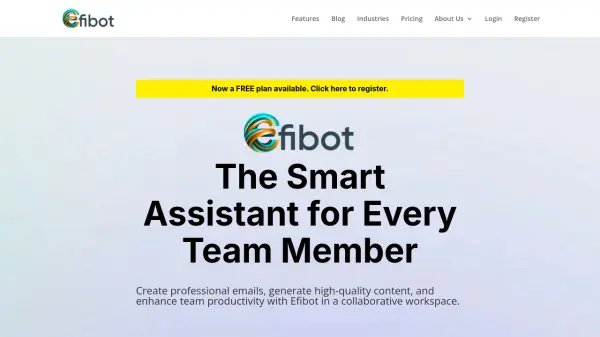
Efibot is a customizable AI assistant that helps teams work smarter. It offers tools for generating high-quality content, creating professional emails, and enhancing overall productivity within a collaborative workspace. Efibot allows for a tailored experience, providing various ways of using AI, ensuring it works according to user's requirements.
The platform includes features like customizable workspaces, advanced chat assistants with internet access, and content generation for both text and images. It integrates with existing tools via API, supporting streamlined task management and real-time collaboration among team members.
Features
- Customizable Workspaces: Tailor Efibot to your and your team’s needs.
- Advanced Chat Assistants: Chat assistants with multiple AI engines, Internet access and more.
- Content Generation & Management: Craft and generate text or images faster than ever.
- API Integration: Connect Efibot with your existing tools.
Use Cases
- Creating professional emails
- Generating marketing content
- Streamlining team collaboration
- Automating repetitive tasks
- Enhancing content creation workflows
- Generating reports