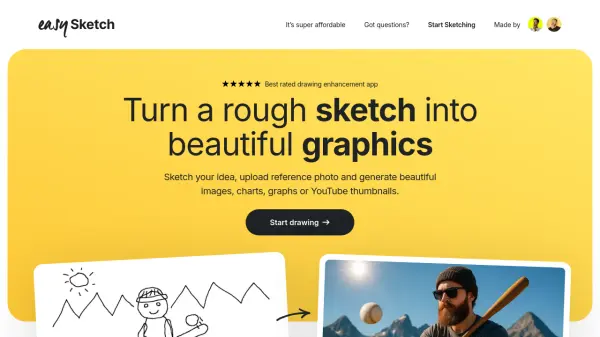
What is EasySketch?
EasySketch is a drawing enhancement app that uses AI to turn rough sketches into beautiful graphics. Whether you need thumbnails, charts, graphs, or illustrations, simply sketch your idea, upload a reference photo, and generate professional-quality images. The app is designed to be super affordable, with a pay-as-you-go model starting at $0.5 per image, removing the need for expensive monthly subscriptions.
EasySketch offers a library of all your past work, and you can download your creations anytime. You can pre-pay for multiple sketches in advance with flexible credit packs. The service is straightforward: no extra AI subscriptions are required, and you only pay when you use it.
Features
- Sketch to Image: Transform rough sketches into high-quality graphics.
- Reference Photo Upload: Use a guide photo to improve results.
- Multiple Output Types: Generate thumbnails, charts, graphs, and illustrations.
- Pay As You Go: Affordable pricing at $0.5 per image, no monthly commitment.
- Credit Packs: Pre-pay for sketches at discounted rates ($5 for 10, $10 for 22, $20 for 50).
- Creation Library: Save and access all your past work.
- Downloadable Results: Easily download your generated images.
Use Cases
- Creating YouTube thumbnails from sketches.
- Generating charts and graphs for presentations.
- Designing illustrations for blogs or social media.
- Rapidly visualizing ideas without design skills.
- Producing professional graphics on a budget.
FAQs
-
Is it a monthly payment?
No, EasySketch uses a pay-as-you-go model. You purchase credit packs and pay per image, with no monthly subscription required. -
Can I pre-pay multiple photos in advance?
Yes, you can buy credit packs: $5 for 10 sketches, $10 for 22 sketches, or $20 for 50 sketches, and use them as needed. -
Will it save my creations?
Yes, EasySketch provides a library of all your past work, and you can download your sketches anytime. -
Do I need to prompt well to use it?
No, you simply sketch your idea and optionally upload a reference photo. The AI enhances your drawing without requiring detailed prompts. -
Do I need any extra AI subscriptions?
No, all AI processing is included in the pay-per-image cost. You do not need any additional AI subscriptions.