What is Sketch To?
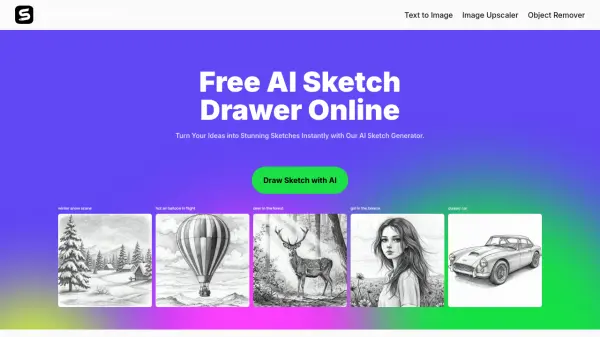
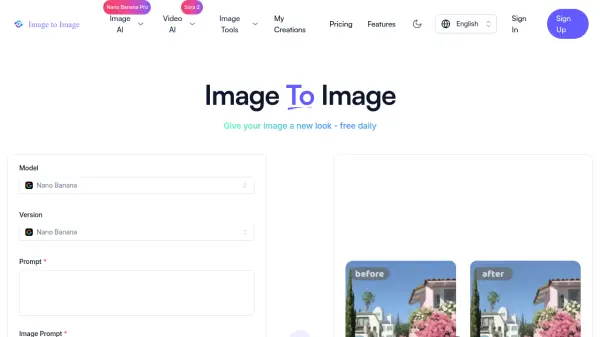
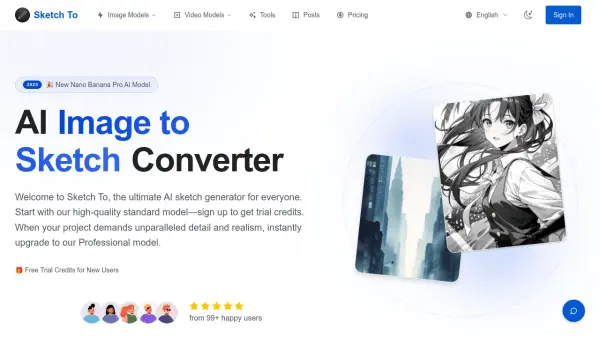
This AI-powered platform specializes in bidirectional conversion between photographs and artistic sketches, catering to everyone from casual hobbyists to professional designers. The service operates on a flexible credit-based system, with new users receiving complimentary trial credits to explore the Standard Model's capabilities for personal projects, social media content, and creative experimentation.
For users requiring superior quality and commercial licensing, the Professional Model delivers industry-leading detail, texture, and realism through advanced AI algorithms. The platform supports multiple artistic styles including pencil sketch, charcoal, ink, colored pencil, watercolor, and digital sketch formats. Processing happens instantly through cloud-based infrastructure, with high-resolution outputs suitable for both digital and print applications. The tool handles various image formats up to 10MB, making it accessible for diverse creative workflows across blogging, graphic design, content creation, and academic projects.
Features
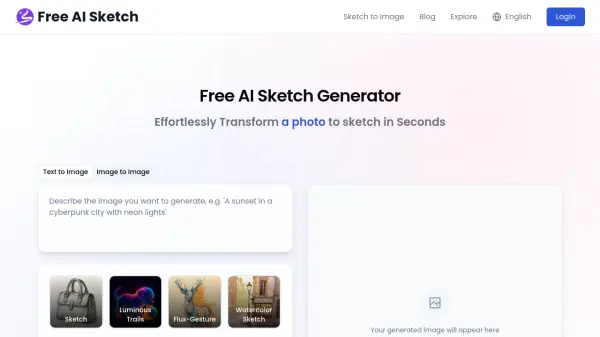
- Image to Sketch Conversion: Transform photos into artistic pencil sketches with multiple style options including charcoal, ink, and watercolor
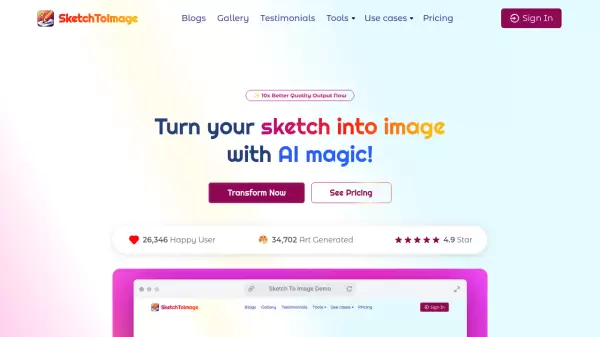
- Sketch to Image AI: Convert hand-drawn sketches into photorealistic images with advanced detail and accuracy
- Dual Model System: Standard Model with trial credits for personal use and Professional Model for commercial-grade results
- Instant Cloud Processing: Lightning-fast conversion powered by cloud-based AI infrastructure with results in seconds
- Multiple Artistic Styles: Choose from pencil, charcoal, ink, colored pencil, comic, concept, watercolor, and digital sketch styles
- High-Resolution Output: Download creations in professional-quality resolution suitable for print and commercial use
- Flexible Credit System: Pay-per-use credit model with no mandatory subscriptions and annual plan options
- Commercial License: Pro plan includes full commercial rights for business and client projects
Use Cases
- Transform product photos into artistic sketches for marketing materials and social media campaigns
- Convert concept sketches into realistic visualizations for client presentations and design pitches
- Create artistic profile pictures and social media content from existing photographs
- Generate reference materials for art students and coursework assignments
- Produce stylized illustrations for blog posts, articles, and digital publications
- Design unique greeting cards and personalized gifts from family photos
- Develop storyboard concepts by converting rough sketches to detailed images
- Create portfolio pieces showcasing versatility in artistic styles and techniques
How It Works
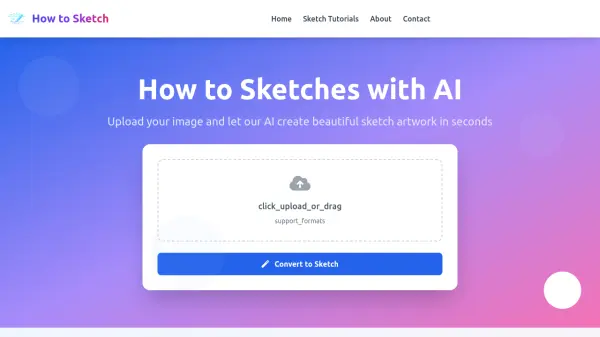
Upload Your File
Drag and drop your photo or sketch file onto the canvas. The platform supports multiple image formats up to 10MB in size.
Choose Your Style & Model
Select your desired artistic style from options like pencil, charcoal, ink, or watercolor. The Standard Model is selected by default and uses 1 credit per conversion. For ultimate quality, select the Professional Model.
Generate & Download
Click 'Generate' and the AI will process your request instantly. Preview the result, compare it with the original, and download your new creation in high resolution.
FAQs
-
What's the difference between the Standard and Professional models?
The Standard model is perfect for general use, offering high-quality conversions for hobbies and drafts, with new users receiving trial credits to get started. The Professional model uses more advanced AI, providing superior detail, texture, and realism, ideal for commercial projects and artists who need the absolute best quality. -
How much does Sketch To cost?
The Standard model uses 1 credit per conversion, and new users receive trial credits to get started. Paid plans start at $7.99/month (billed annually) for the Basic plan with 2400 credits per year, or $15.99/month for the Pro plan with 9600 credits per year. Credit packs are also available for one-time purchases. -
What file formats are supported?
Sketch To supports all major image formats including JPG, PNG, WEBP, and more. You can upload images up to 10MB in size for processing. -
Can I use Sketch To for commercial purposes?
Yes, the Professional model is specifically designed for commercial use with advanced AI technology that delivers industry-leading results perfect for client work and business projects. The Pro subscription plan includes a commercial license. -
How long does it take to process an image?
Most conversions are completed within seconds. The exact time depends on the image size and complexity, but the cloud infrastructure ensures fast processing for all users.