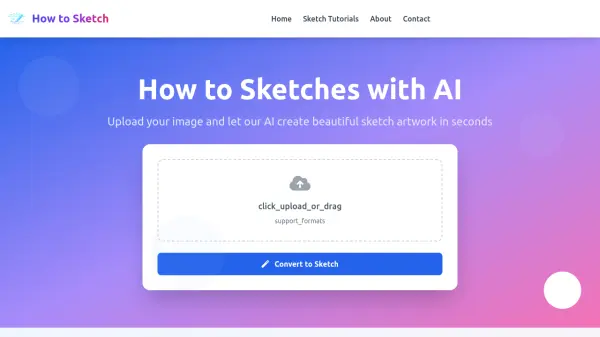
What is How to Sketch?
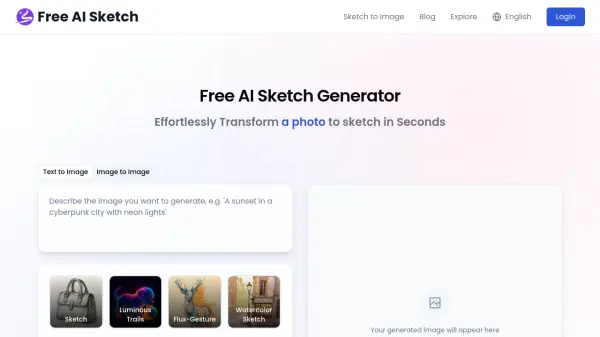
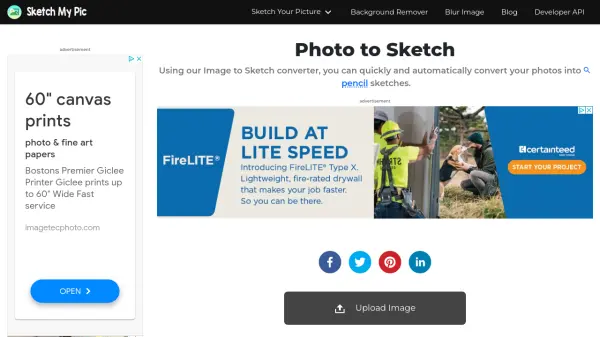
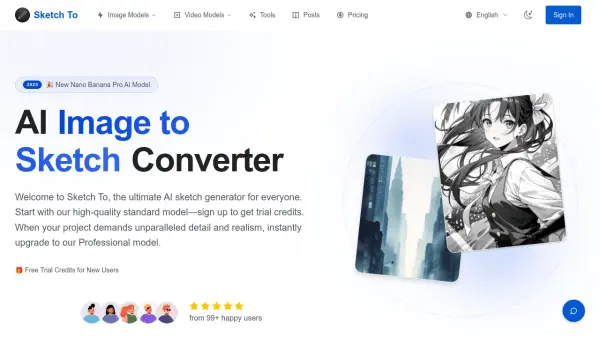
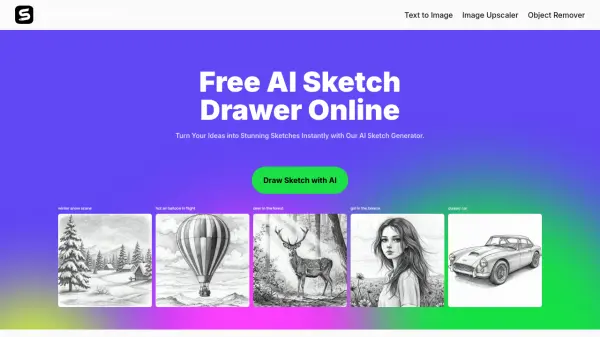
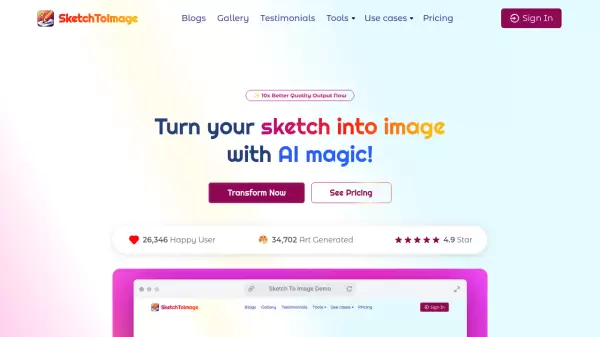
How to Sketch is a free online platform that uses advanced AI technology to transform your photos into stunning sketch artwork. Simply upload an image in JPG, PNG, or GIF format (up to 5MB), and the AI analyzes it to create a realistic sketch while preserving important details and proportions. The tool is designed for both beginners and experienced artists, providing a quick way to generate sketch-style images for learning or inspiration.
In addition to the AI converter, How to Sketch offers a growing library of expert tutorials covering various subjects like animal sketching, landscape sketching, and basic techniques. All resources are completely free, with no hidden fees or premium subscriptions. The platform supports multiple sketching styles, is mobile-friendly, and ensures user privacy by automatically deleting uploaded images after 24 hours.
Features
- AI-Powered Sketch Converter: Transform any photo into a beautiful sketch instantly using advanced AI technology.
- Expert Tutorials: Learn from professional artists with step-by-step video tutorials and comprehensive guides.
- Completely Free: Access all tools, tutorials, and resources with no hidden fees or premium subscriptions.
- Multiple Styles: Offers various sketching styles and techniques to explore.
- Mobile Friendly: Works perfectly on all devices for sketching on the go.
- Privacy Protection: Uploaded images are temporarily stored and automatically deleted after 24 hours.
Use Cases
- Creating sketch artwork from personal photos for social media or gifts.
- Learning and practicing sketching techniques with AI-generated references.
- Generating inspiration for artists by converting images into different sketch styles.
- Teaching sketching basics using AI-converted images as examples.
- Quickly producing sketch-style illustrations for design projects or presentations.
FAQs
-
How does the AI sketch converter work?
Our AI analyzes your uploaded image and applies advanced algorithms to create a realistic sketch effect while preserving important details and proportions. -
What image formats are supported?
We support JPG, PNG, and GIF formats. Maximum file size is 5MB. -
Is my uploaded image stored?
Images are temporarily stored for processing and automatically deleted after 24 hours to protect your privacy. -
Is How to Sketch free to use?
Yes, all tools, tutorials, and resources are completely free. No hidden fees or premium subscriptions required. -
Can I use How to Sketch on my mobile device?
Yes, the platform is mobile-friendly and works perfectly on all devices.