What is ImageToSketch?
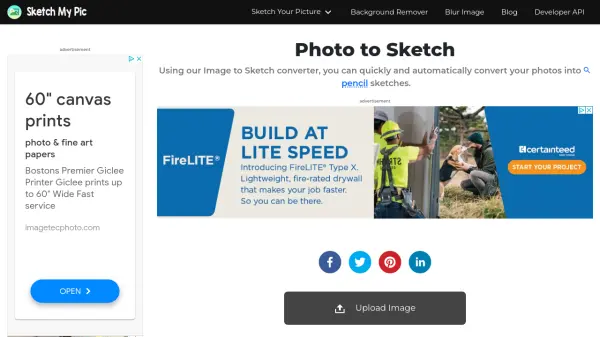
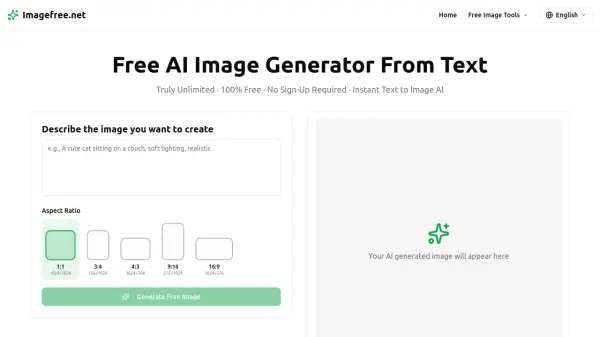
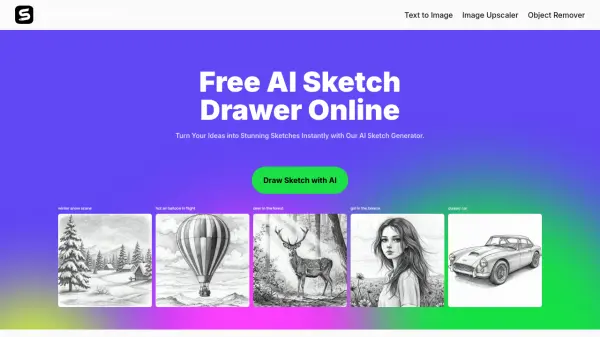
ImageToSketch is a free online tool powered by advanced AI that allows users to generate a diverse range of sketches from simple text inputs. It requires no artistic skills, enabling anyone to create professional-quality sketches.
The AI supports multiple artistic styles, including realistic pencil sketches, minimalist line art, ink sketches, building sketches, and animal sketches. It prioritizes user privacy, processing all data securely within the user's browser without storing or sharing any information.
Features
- Text to Sketch: Convert text prompts into detailed sketches.
- Style Variety: Generate sketches in multiple styles, including realistic pencil, minimalist line art, ink, building, and animal.
- Free to Use: Completely free with no hidden fees or subscriptions.
- High-Quality Output: Download watermark-free sketches in JPG format.
- Privacy Focused: Processes data securely within the browser; no data storage or sharing.
- Fast Generation: Creates sketches quickly using advanced AI technology.
- Customization Options: Customize output by specifying details in prompts (e.g., background, color, style).
- True-to-Life Accuracy: Produces sketches resembling original concepts, preserving unique features.
- No Artistic Skills Required: Easy for anyone to create professional-quality sketches.
Use Cases
- Creating artistic portraits and avatars.
- Designing concept art.
- Generating personalized gifts.
- Illustrating books and articles.
- Developing marketing materials.
- Enhancing social media content.
- Visualizing architectural concepts.
- Creating animal portraits
FAQs
-
What is an AI Sketch Generator?
An AI sketch generator is an online tool that turns text prompts into sketches automatically. It uses smart technology to create images in different styles, like realistic pencil sketches, simple animal drawings, or vintage-style buildings. -
Can I Draw a Pet Sketch Online for Free?
Yes, you can easily create a pet sketch online for free using our sketch drawer. Simply type a prompt like 'a fluffy golden retriever sitting happily' or 'a playful tabby cat with big eyes,' and the AI will instantly generate a detailed sketch based on your description. -
Can I Customize the Sketches?
Yes, you can customize your sketches by adjusting the text prompts. Simply describe details like the background, line thickness, colors, or artistic effects to get the look you want. -
Can I Use AI-generated Sketches for Commercial Purposes?
Yes, you can use the generated sketches for commercial purposes. Whether for marketing materials, branding, merchandise, or social media, you can freely utilize your sketches. -
Is It Safe to Use ImagetoSketch?
Yes, ImagetoSketch is safe to use. Your privacy is protected, and no personal data or images are stored or shared. Everything is processed securely in your browser, so you have full control over your sketches.