What is DropFlow?
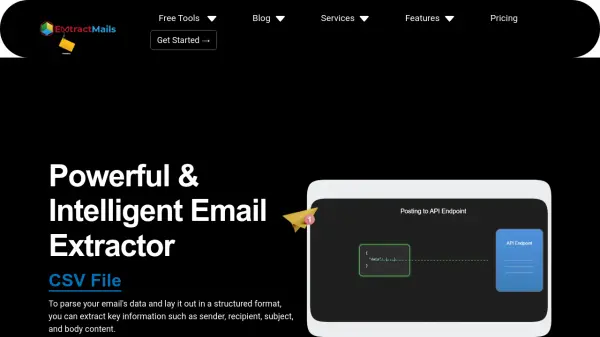
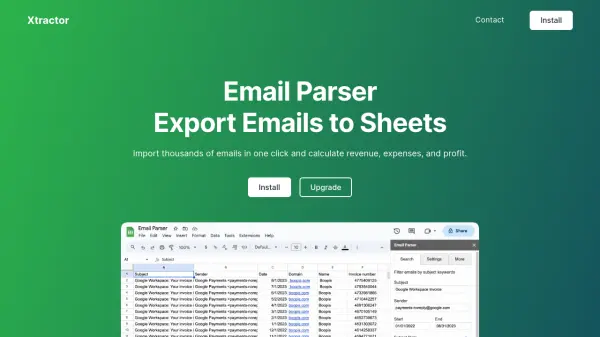
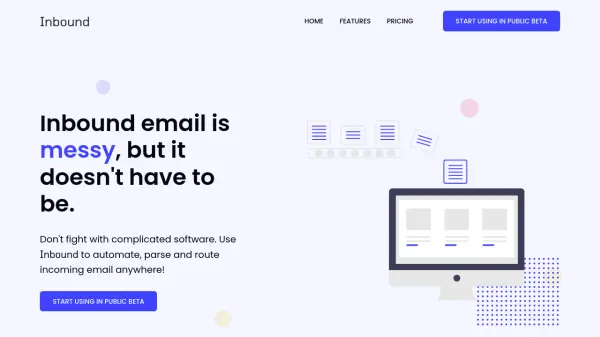
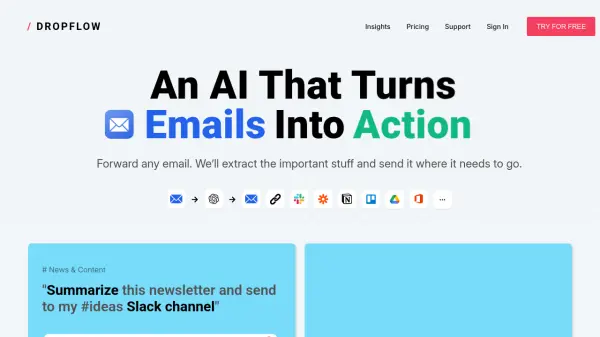
DropFlow leverages artificial intelligence to automate the extraction of important data from incoming emails. By forwarding any email to DropFlow, users can have relevant information like newsletters, invoices, candidate details, and updates seamlessly extracted and transferred to destinations such as Slack channels, Google Sheets, Notion workspaces, or calendars.
The platform is designed to boost productivity for individuals and teams across varied departments, including HR, finance, news, and analytics. DropFlow supports customizable flows, enabling users to tailor data extraction and distribution processes for their unique requirements and improve organizational efficiency.
Features
- Automated Data Extraction: Extracts relevant information from a wide range of email types using AI.
- Workflow Integration: Sends structured data directly to tools like Slack, Google Sheets, Notion, and calendars.
- Customizable Flows: Supports the creation of customized data extraction and routing workflows.
- Multiple Flow Destinations: Allows information to be sent to various tools and platforms.
- Monthly Reporting: Offers periodic reporting capabilities for processed email flows.
Use Cases
- Summarizing newsletters and sending key points to team communication channels.
- Extracting invoice details from emails for finance and accounting records.
- Capturing candidate information from resumes and updating HR systems.
- Summarizing status updates for team distributions.
- Extracting travel or event details from emails and adding to personal or team calendars.
FAQs
-
What type of information can DropFlow extract from emails?
DropFlow can extract summaries from newsletters, invoice details, candidate information, status updates, and event or travel details. -
Which platforms can DropFlow send extracted information to?
Extracted information can be sent to platforms such as Slack, Google Sheets, Notion, and calendars. -
How many emails can be processed per month on the free plan?
The free plan allows processing of up to 5 emails per month.