What is doFlo?
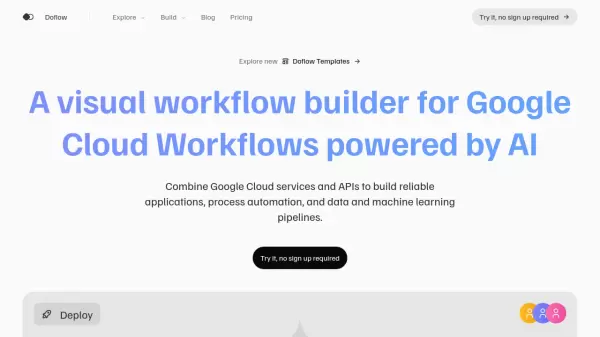
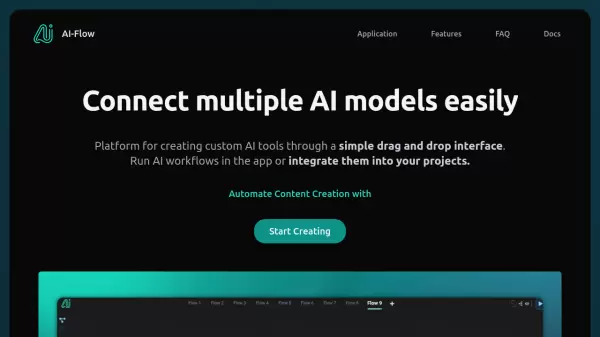
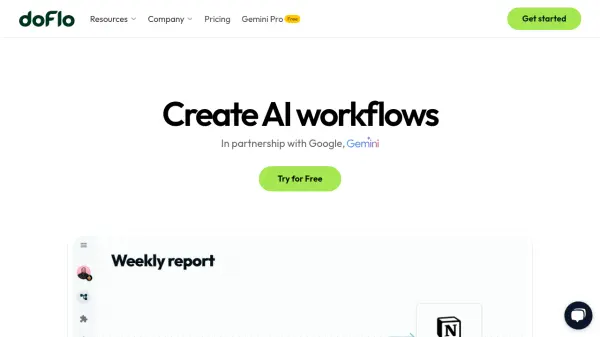
doFlo is a platform designed to help users create AI-powered workflows with ease. In partnership with Google, it leverages Gemini models to enhance automation capabilities. The platform emphasizes a user-friendly experience with a drag-and-drop interface, aiming to simplify the process of building complex automations. It is built for speed and scalability, allowing for parallel and simultaneous executions that perform significantly faster than traditional automation platforms.
Security and data visibility are core aspects of doFlo. Workflows are designed to dynamically respond to data, which is accessible at every step of the automation process. The system supports multi-triggers, enabling workflows to be initiated from various sources. For users requiring custom logic, doFlo includes an advanced code editor supporting over 20 programming languages. The platform also ensures enterprise-grade data protection, being developed by cybersecurity experts.
Features
- Simple UX: A drag-and-drop user experience for crafting workflows.
- Speed & Scalability: Parallel and simultaneous executions run 10x faster than legacy automation platforms.
- Free AI Everywhere: All Google Gemini models available for free within the chat UI or workflows.
- Data Visibility: Workflows dynamically respond to data, available at every step.
- Multi-triggers: Start a workflow from various sources and entry points.
- Code Editor++: Run code in workflows with 20+ languages, including Python, Node, JS, and C.
- Delay Intervals: Scheduler and delay intervals down to the second.
- Security & Privacy: Enterprise-grade data protection built by cybersecurity experts.
- Over 2500 Integrations: Connect with a vast ecosystem of applications and services.
Use Cases
- Automating repetitive business processes with AI-driven logic.
- Building custom AI applications with integrated coding capabilities.
- Developing dynamic workflows that adapt to real-time data changes.
- Integrating numerous applications and services into unified automated sequences.
- Utilizing Google Gemini models for advanced AI tasks within automated processes.
- Scheduling and executing tasks with precise timing and control.
FAQs
-
What workflows can I automate with AI using doFlo?
doFlo enables automation of diverse workflows by integrating AI. This includes processes like data analysis, automated communication, content generation, and connecting various applications, leveraging Google Gemini models for intelligent task execution. -
Is doFlo easy to learn and use?
Yes, doFlo emphasizes a simple drag-and-drop user experience, designed to be intuitive for crafting workflows, even complex ones, without a steep learning curve. -
Do I need coding skills to use doFlo?
No, coding skills are not mandatory. doFlo's primary interface is drag-and-drop. However, it also includes a Code Editor++ for users who want to incorporate custom code in over 20 languages into their workflows. -
How does doFlo ensure data security?
doFlo is developed by cybersecurity experts and incorporates enterprise-grade security measures to protect user data. Detailed information can be found in their Data Processing Policy and Terms of Service. -
Does doFlo offer access to AI models like Google Gemini for free?
Yes, doFlo provides free access to all Google Gemini models, which can be used within its chat UI or integrated into workflows created on the platform.