
What is Doc Doctor?
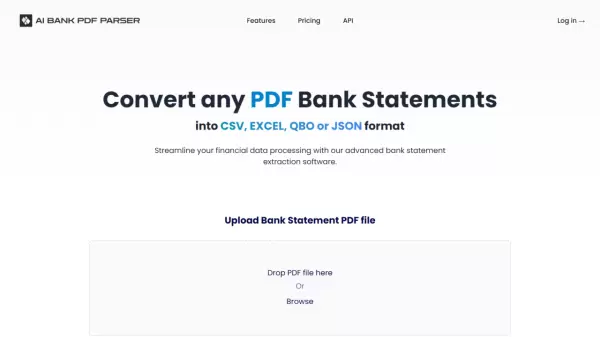
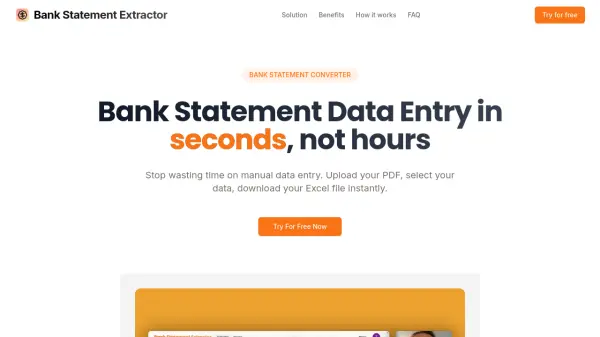
Doc Doctor provides an AI-powered solution for converting bank statements into multiple financial formats including QBO (Quickbooks), QIF, QFX, CSV, Excel, and JSON. The tool processes PDFs, scans, and digital statements from any financial institution regardless of layout or format, using advanced AI to recognize tables, line items, and key financial data for error-free extraction.
Built with bank-level security including AES-256 encryption and SOC2 type 2 compliant storage, Doc Doctor offers bulk processing capabilities and flexible export options to streamline financial workflows. The platform helps reduce errors in bank statement data and eliminates manual entry, saving professionals significant time while maintaining data integrity.
Features
- AI-Powered Accuracy: Advanced AI recognizes tables, line items, and key financial data for error-free extraction
- Bulk Processing: Convert multiple bank statements simultaneously to save time
- Multiple Export Formats: Export to QBO (Quickbooks), QIF, QFX, CSV, Excel, or JSON
- Universal Compatibility: Works with bank statements from any financial institution regardless of layout or format
- Bank-Grade Security: AES-256 encryption and SOC2 type 2 compliant storage
Use Cases
- Preparing loan applications with accurate financial data
- Auditing financial records and statements
- Analyzing financial data for business insights
- Converting bank statements for accounting software integration
- Streamlining financial workflow processes
FAQs
-
What file formats does Doc Doctor support for input?
Doc Doctor works with scanned PDFs, digital bank statements, and image files as input formats. -
Can I process multiple bank statements at once with Doc Doctor?
Yes, you can drag and drop or select multiple statements and convert them simultaneously. -
Is Doc Doctor compatible with all bank statements?
Absolutely. Doc Doctor is designed to work with statements from any bank, regardless of layout or format. -
How secure is Doc Doctor for handling financial documents?
Doc Doctor has SOC 2 type 2 security and uses AES-256 encryption, ensuring bank-level security for your financial information. -
Is there a free trial available?
Yes, Doc Doctor offers a pay-as-you-go option and 5 free pages in the standard free account to test the service.