What is DesignRepo?
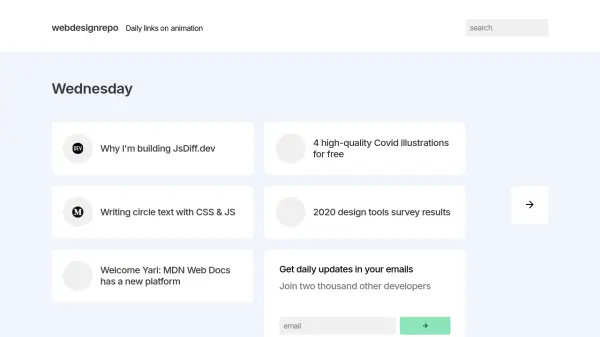
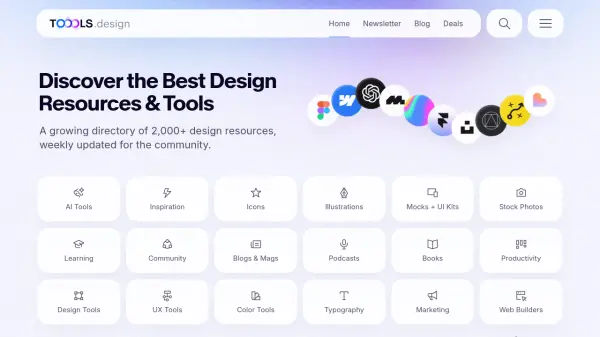
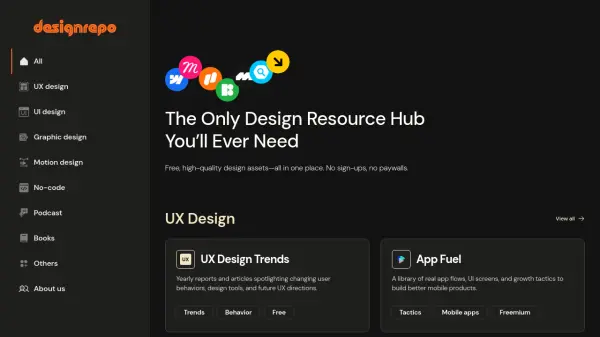
DesignRepo serves as a centralized platform for design professionals and enthusiasts, providing curated collections of design resources across various disciplines. The hub organizes content into clear categories such as UX design, UI design, graphic design, motion design, no-code tools, podcasts, and books, making it easy to discover relevant assets.
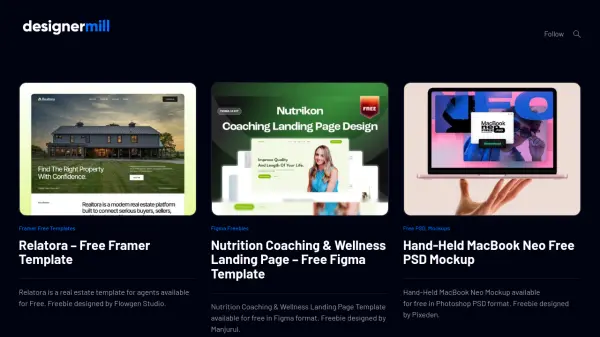
Resources include practical tools like Figma components, icon libraries, and animation easing functions, alongside educational materials such as design guidelines, trend reports, and inspirational showcases. The platform features both free and freemium resources, with clear labeling to help users identify accessible options without registration requirements.
Features
- Curated Collections: Organized design resources across UX, UI, graphic design, motion design, and no-code categories
- No Registration Required: Access resources without sign-ups or account creation
- Mixed Pricing Model: Combination of free and freemium resources with clear labeling
- Educational Content: Includes design guidelines, trend reports, tutorials, and inspirational showcases
- Practical Tools: Offers Figma components, icon libraries, animation tools, and design assets
Use Cases
- Finding design inspiration for UI/UX projects
- Accessing free design assets and templates
- Learning design principles and best practices
- Discovering tools for motion design and animation
- Exploring no-code development resources
- Staying updated with design trends and industry insights
- Finding educational podcasts and books for design professionals