DataQA favicon

DataQA
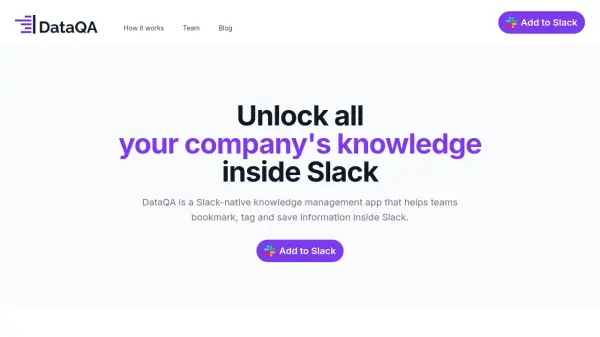
Unlock all your company's knowledge inside Slack

What is DataQA?

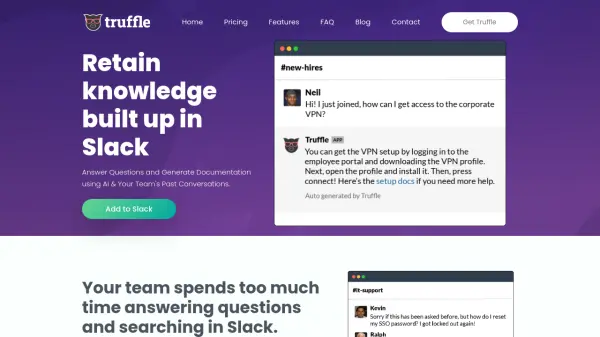
DataQA provides a seamless solution for knowledge management directly within the Slack environment. It enables teams to easily capture and organize crucial information, such as frequently asked questions, important discussions, shared screenshots, and links, without disrupting their existing workflows. By centralizing company knowledge within Slack, DataQA aims to enhance information accessibility for all team members.

This tool helps reduce repetitive questioning and improves the onboarding process for new employees by making answers readily available. Users can interact with DataQA by asking questions directly using mentions and saving relevant answers with a single step. This approach ensures that valuable insights shared in Slack conversations are preserved and easily retrievable, fostering better communication and knowledge sharing across the organization.

Features

  • Slack Integration: Operates natively within Slack for seamless use.
  • Knowledge Bookmarking: Save important messages, links, screenshots, and files.
  • Content Tagging: Organize saved information with relevant tags.
  • Question Answering: Ask questions using '@DataQA' and retrieve saved answers.
  • Answer Saving: Easily save answers to questions for future reference.
  • Topic Following & Digests: Follow topics of interest and receive digests to stay updated.

Use Cases

  • Improving team productivity by providing quick access to information within Slack.
  • Enhancing employee onboarding by saving FAQs and essential resources.
  • Preserving valuable knowledge shared in Slack conversations.
  • Reducing repetitive questions among team members.
  • Tracking market trends and company information for business operations.
  • Bookmarking product discussions and explainers for product managers.
  • Saving technical FAQs and solutions for tech leads.

Related Tools:

Blogs:

  • Chat with PDF AI Tools

    Chat with PDF AI Tools

    Easily interact with your PDF documents using our advanced AI-powered tool. Whether you're reading lengthy reports, research papers, contracts, or eBooks, our platform lets you chat directly with your PDF files, ask questions, extract insights, and get summaries in real-time.

  • Top 6 AI note-taking tools for 2026: in-person, online, and hybrid use cases

    Top 6 AI note-taking tools for 2026: in-person, online, and hybrid use cases

    Most AI note-taking lists are really lists of meeting bots, which join your video call and transcribe it. That's useful, but it's half the picture. Decisions happen in hallway conversations, client dinners, on-site visits, and hybrid rooms where nobody is on a video link. This guide covers different parts of the note-taking workflow: hardware capture for in-person settings, platform-native tools for online calls, and AI layers for organizing and synthesizing what you've captured. It compares six tools by capture context, workflow fit, pricing, and limitations.

  • AI Testimonial Videos: How to Build Social Proof That Actually Converts

    AI Testimonial Videos: How to Build Social Proof That Actually Converts

    AI testimonial videos are transforming marketing in 2026 by helping businesses create professional customer-style videos quickly and affordably. Using real customer reviews, short scripts, and AI tools like Pollo AI, brands can produce engaging testimonials for social media, landing pages, and ads while saving time and improving conversions.

  • Long Videos into Viral Shorts

    Long Videos into Viral Shorts

    Klap.app is an AI-powered video editing tool that transforms long-form videos into engaging short clips optimized for platforms like TikTok, Instagram Reels, and YouTube Shorts

Didn't find tool you were looking for?

Be as detailed as possible for better results