What is DATAPILOT?
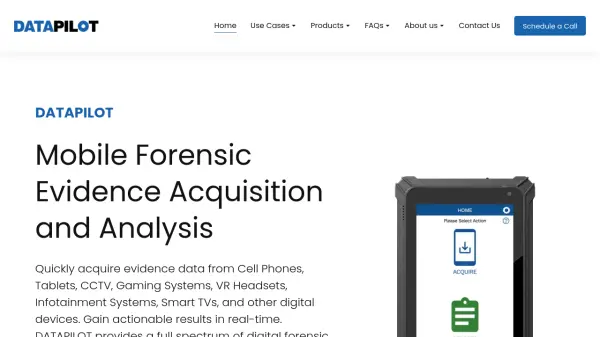
DATAPILOT offers robust digital forensic solutions designed for both field and lab environments, specializing in mobile evidence acquisition and analysis. The platform supports a wide range of digital devices including cell phones, tablets, CCTV systems, gaming consoles, VR headsets, and smart TVs, providing actionable results in real-time.
With over 20 years of experience, DATAPILOT delivers monthly software updates to ensure compatibility with the latest iOS, Android, and KaiOS releases, including beta versions not supported by other tools. The system features eight powerful acquisition apps, comprehensive reporting with evidence tagging, and an analytics platform that enables investigators to build cases efficiently using forensically sound data.
Features
- Monthly Updates: Supports newest iOS and Android releases including beta versions
- 8 Acquisition Apps: Includes tools for single file extraction, triage, linked screen capture, and full device dumps
- Reporting and Analysis: Free reporting with evidence tagging and analytics platform
- Device Support: Works with cell phones, tablets, CCTV, gaming systems, VR headsets, and smart TVs
- Complimentary Training: Free product training with certified programs available
Use Cases
- On-scene investigations for first responders
- Forensic lab analysis
- Border security operations
- Probation, parole, and corrections monitoring
- Campus law enforcement
- Private sector legal technology
- Fire department investigations