What is Crisp?
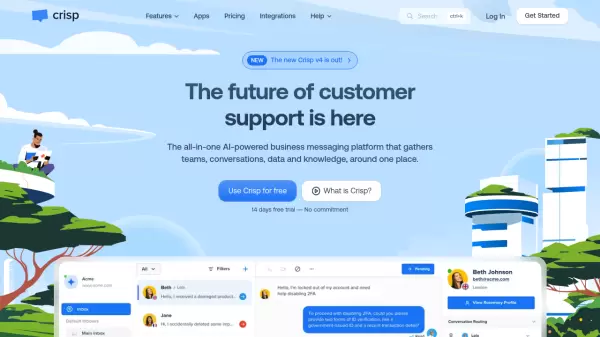
Crisp is an advanced business messaging platform that integrates multiple communication channels including email, website chat, WhatsApp, Messenger, and phone calls into a unified workspace. The platform leverages AI technology to streamline customer support operations and enhance team collaboration.
The solution offers comprehensive features including a shared inbox, knowledge base management, CRM integration, and AI-powered chatbots. It enables businesses to automate workflows, provide real-time support, and maintain consistent customer engagement across all communication channels while reducing team workload by up to 50%.
Features
- Shared Inbox: Centralize all inbound conversations from multiple channels
- AI Chatbot: Build advanced automation flows across connected channels
- Knowledge Base: Create and manage comprehensive help articles
- CRM Integration: Synchronize customer data from multiple sources
- Omnichannel Support: Handle communications across email, chat, WhatsApp, and social media
- Campaign Management: Send automated email and chat sequences
- Analytics Dashboard: Track conversation activity and customer satisfaction
- Real-time Translation: Translate messages in over 50 languages
Use Cases
- Customer Support Management
- Sales Pipeline Automation
- Marketing Campaign Execution
- Help Center Creation
- Team Collaboration
- Lead Generation
- Customer Data Management
- Multi-channel Communication
FAQs
-
What is included in the free plan?
The free plan includes 2 seats, 100 user profiles, chat widget, shared inbox, contact form, mobile applications, unlimited conversations, e-commerce integrations, and unlimited history. -
Does Crisp offer yearly payment options?
Yes, yearly payment options are available and can be enabled on the Plans page after subscribing to a plan. -
Are there any message limits?
No, Crisp offers unlimited messaging across all plans to provide peace of mind and better resource allocation for businesses.