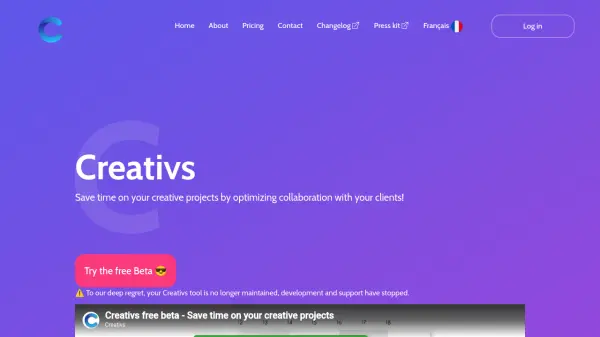
What is Creativs?
Creativs is a platform designed to enhance collaboration between creative professionals and their clients. It addresses common challenges in creative workflows by providing structured project organization and contextual annotation tools. The platform helps teams manage files, track versions, and maintain clear communication throughout the creative process.
The tool offers features like contextual annotations, project historization through versioning, and structured workspace organization. It aims to reduce misunderstandings and save time by replacing fragmented communication methods like email and file sharing with a centralized system. Creativs also includes calendar-based project step management for improved transparency with clients regarding timelines and contractual obligations.
Features
- Contextual Annotations: Annotate designs with conversation bubbles or pencil tools and assign status to modifications
- Project Historization: Keep different versions of projects and track modifications through versioning
- Structured Workspace: Organized workspace structured by project, document, proposal, and version for easy access
- Temporal Transparency: Break projects into steps using calendar and import contractual rules for each stage
Use Cases
- Managing creative project collaborations with clients
- Tracking design revisions and version history
- Organizing creative project files and documentation
- Improving communication transparency in creative workflows
- Streamlining client feedback on design projects