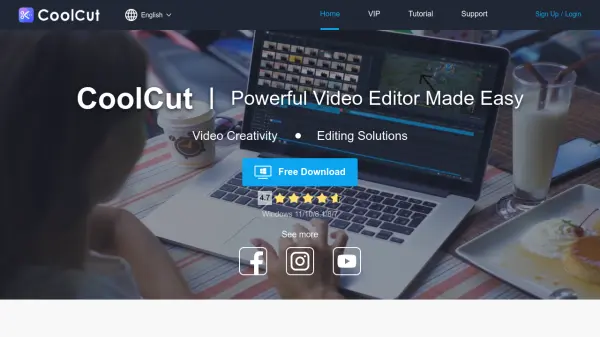
What is CoolCut?
CoolCut is a comprehensive video editing solution designed to make professional video creation accessible to users of all skill levels. It offers a wide range of editing tools including subtitle addition, music integration, Hollywood-style titles, and filter effects, all within an intuitive interface. The software supports 4K and HD export formats, ensuring high-quality output for various platforms.
Advanced features such as text-to-speech functionality, picture-in-picture effects, and green screen capabilities enhance creative possibilities. With a constantly updated library of effects, transitions, and audio elements crafted by professional designers, CoolCut provides everything needed to produce engaging videos for games, TikTok, vlogs, travel content, television series, commercials, tutorials, and more.
Features
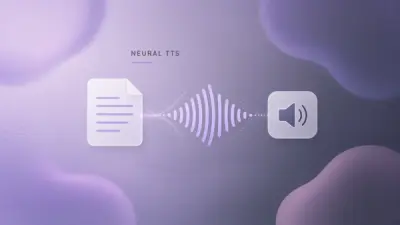
- Text-to-Speech: Provides lifelike text-to-speech solutions to make products and services more engaging
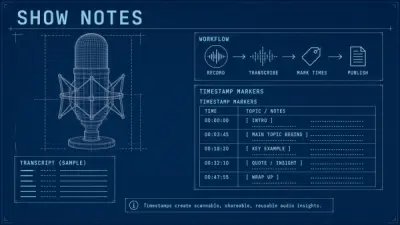
- Auto-Generate Subtitles: Improves editing efficiency by automatically generating subtitles
- Picture-in-Picture: Allows embedding videos or images into videos with split-screen effects
- Green Screen: Isolates and removes chosen colors from footage to replace backgrounds
- Advanced Audio Processing: Includes built-in dubbing, audio extraction, and fade in/out capabilities
- Video Effects Library: Offers 60+ filters, 200+ transitions, and 1000+ built-in elements
- Format Support: Supports multiple video, audio, and image formats for import and export
- 4K & HD Export: Enables high-quality video output in 4K definition and various formats
Use Cases
- Creating game videos and streaming content
- Producing TikTok and social media videos
- Making travel vlogs and documentary content
- Developing television series and commercial advertisements
- Creating tutorial and educational guide videos
- Producing animated short films and micro films
- Making dynamic album videos and personal memories
- Creating online courses and educational content
FAQs
-
What video formats does CoolCut support?
CoolCut supports multiple video formats including mp4, avi, dv, flv, mkv, rmvb, mpg, m2t, vob, 9gp, webm, 9g2, asf, divx, f4v, hdmov, hdv, m2p, m4e, mp4v, mts, mpv, mxf, ts, and wm. -
Does CoolCut offer text-to-speech functionality?
Yes, CoolCut provides lifelike text-to-speech solutions to make videos more engaging and can auto-generate subtitles to improve editing efficiency. -
Can I use CoolCut for green screen editing?
Yes, CoolCut includes green screen functionality that allows users to isolate and remove chosen colors from footage and replace them with other videos or images. -
What resolution options are available for export?
CoolCut supports various display resolutions including 3840*2160 (4K), 1920*1080 (Full HD), 1280*720 (HD), and custom resolutions, with video bitrate options up to 80000kbps.