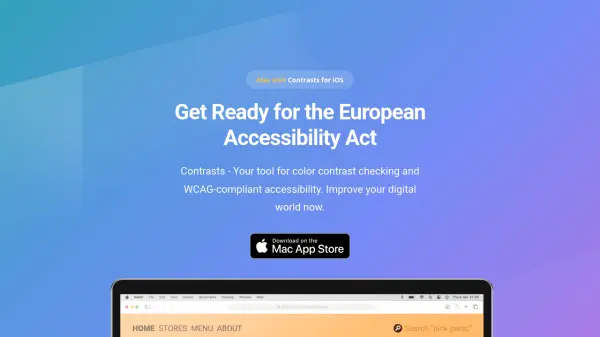

What is Contrasts?
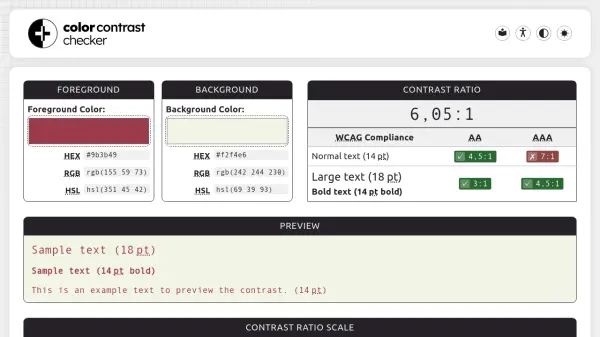
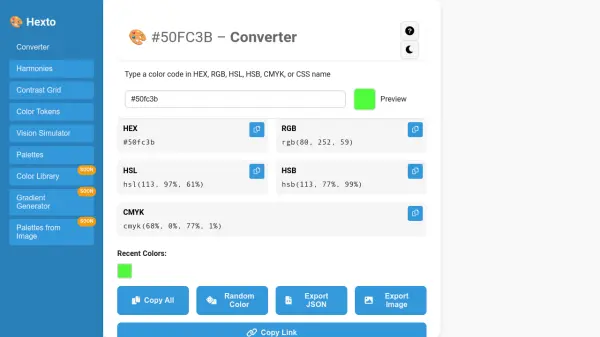
Contrasts is a powerful color contrast checking tool designed to help designers and developers create accessible digital content. It automatically recognizes colors from various formats like HEX, RGB, and code from iOS or Android apps, eliminating the need for manual conversions. The tool supports multiple color spaces including sRGB and Display P3, ensuring accurate calculations.
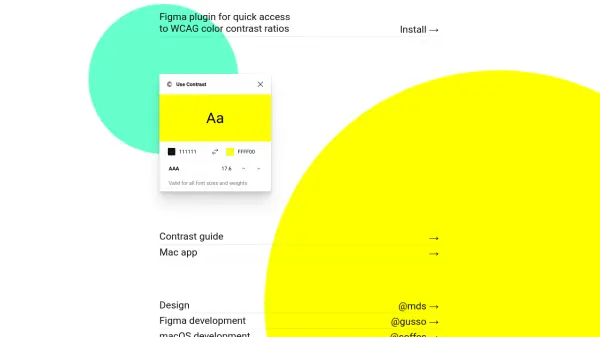
With features like Preview Mode, users can visualize how color combinations appear across the interface, making it easier to achieve high contrast. Shortcut support allows quick access from anywhere on macOS. Contrasts provides WCAG 2.1 conformance ratings, helping users comply with accessibility standards such as the European Accessibility Act.
Features
- Smart Color Recognition: Automatically detects and accepts colors in various formats like HEX, RGB, or code snippets without manual conversion.
- Preview Mode: Colors the entire UI with selected colors to help find high contrast pairs easily.
- Shortcut Support: Opens as a popover window from anywhere using a system-wide shortcut similar to Spotlight.
- WCAG Conformance: Calculates contrast ratios based on WCAG 2.1 success criteria to ensure accessibility standards are met.
- Color Spaces: Supports sRGB, Display P3, and other color spaces to avoid confusion and calculation mistakes.
- Export & Share: Exports colors and results in various formats and shares them with colleagues or friends with one click.
Use Cases
- Checking color contrast for web design projects to ensure WCAG compliance.
- Verifying accessibility of mobile app interfaces during development.
- Previewing color combinations for branding and marketing materials.
- Streamlining color selection for UI/UX designers working with multiple color formats.
- Preparing products for compliance with the European Accessibility Act.
FAQs
-
What is the European Accessibility Act, and why is it important for businesses?
The European Accessibility Act is a directive aimed at making products and services more accessible to people with disabilities across the EU. It sets standards for digital accessibility, including color contrast, to ensure that everyone can access and use digital platforms. Compliance is crucial for avoiding legal ramifications and fostering inclusivity. -
How does color contrast relate to the European Accessibility Act?
Color contrast is a key component of digital accessibility mandated by the European Accessibility Act. It ensures that text and important visual elements are distinguishable to users with visual impairments or color vision deficiencies. Conforming to color contrast guidelines helps businesses create a more inclusive online environment. -
How does Contrasts assist companies in conforming to the European Accessibility Act?
Contrasts provides a user-friendly interface for checking color contrasts on digital platforms. By inputting colors and text, users can instantly determine whether their designs meet WCAG standards mandated by the European Accessibility Act, empowering businesses to identify and rectify accessibility barriers. -
Is compliance with the European Accessibility Act a legal requirement for all businesses?
Yes, compliance with the European Accessibility Act is a legal requirement for businesses operating within the EU. The act mandates accessibility standards for various sectors, including digital platforms. Non-compliance can result in legal penalties and reputational damage.