What is HexTo?
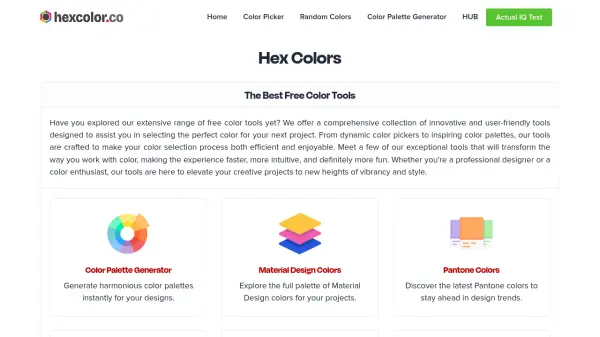
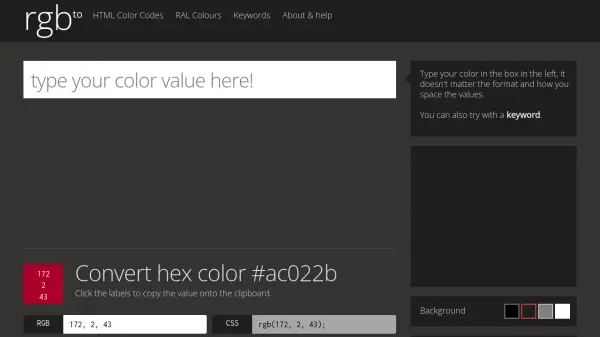
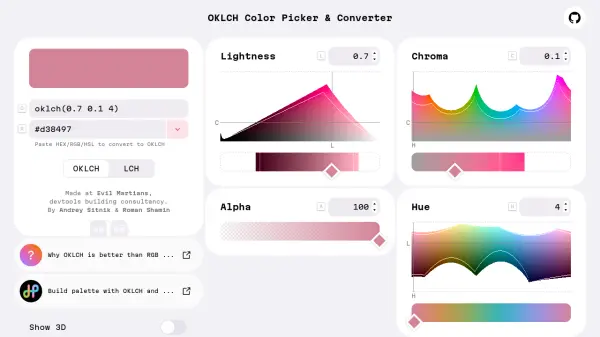
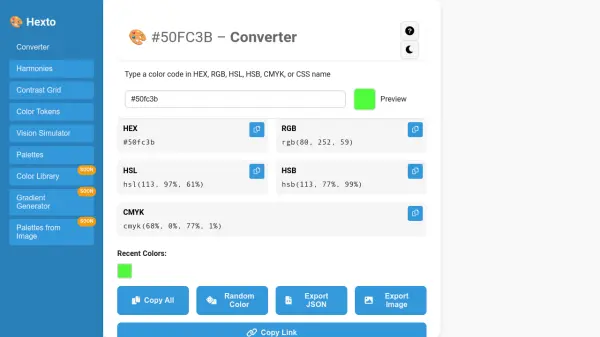
HexTo is a versatile color management platform designed specifically for designers and developers who need to work with colors across various formats and applications. The tool provides instant and accurate conversion between HEX, RGB, HSL, HSB, and CMYK color models, supporting different syntaxes and alpha transparency values for comprehensive color handling.
Beyond basic conversion, HexTo offers advanced features including color harmony generation, contrast ratio checking for accessibility compliance, color vision deficiency simulation, and color token management for design systems. The platform enables users to build, save, and export color palettes while ensuring their designs are accessible and visually consistent across different projects and platforms.
Features
- Color Conversion: Instant conversion between HEX, RGB, HSL, HSB, and CMYK formats with support for alpha transparency values
- Color Harmonies: Automatic generation of monochromatic, analogous, complementary, triadic, tetradic, and split-complementary color schemes
- Contrast Grid: WCAG 2.1 compliant contrast ratio checking for text readability and accessibility standards
- Vision Simulator: Simulation of various color vision deficiencies including protanopia, deuteranopia, tritanopia, and achromatopsia
- Color Tokens: Creation and management of design tokens with export options for CSS variables, SCSS/Sass, JSON, and JavaScript formats
- Palette Management: Generation, saving, and exporting of color palettes with options for random, harmonious, warm, cool, pastel, and neutral schemes
Use Cases
- Converting color codes between different formats for web development projects
- Generating harmonious color schemes for UI/UX design work
- Checking color contrast ratios to ensure web accessibility compliance
- Testing designs for color vision deficiency accessibility
- Creating and managing color tokens for design system implementation
- Building and exporting color palettes for branding and marketing materials
FAQs
-
What color formats does HexTo support for conversion?
HexTo supports conversion between HEX, RGB, HSL, HSB, and CMYK color formats, including support for alpha transparency values in HEX, RGB, HSL, and HSB formats. -
How does the color harmony feature work?
The color harmony feature automatically generates harmonious color combinations including monochromatic, analogous, complementary, triadic, tetradic, and split-complementary schemes based on a selected base color. -
What accessibility standards does the contrast checker follow?
The contrast checker follows WCAG 2.1 accessibility standards, providing AA and AAA compliance ratings for normal and large text based on contrast ratio calculations. -
What types of color vision deficiencies can be simulated?
HexTo can simulate protanopia, deuteranopia, tritanopia, achromatopsia, protanomaly, deuteranomaly, and tritanomaly to test designs for various color vision deficiencies. -
What export formats are available for color tokens?
Color tokens can be exported as CSS variables, SCSS/Sass variables, JSON, and JavaScript (ES modules) for integration into different development environments.