

What is CompanyCam?
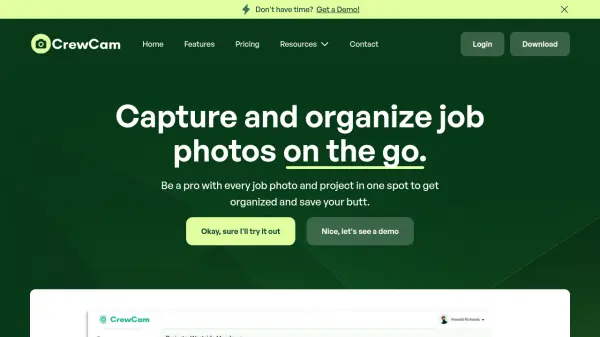
CompanyCam is a comprehensive photo documentation platform designed specifically for contractors and field service professionals. The tool enables users to capture unlimited photos and videos at job sites, organize them with annotations, tags, and labels, and share updates through galleries and timelines. It facilitates team collaboration with in-app communications and project feeds while integrating with popular industry software.
The platform incorporates Field AI capabilities that transform voice and photos into reports, checklists, captions, and updates without manual typing. It offers features like AI-powered site walkthroughs, translations, summaries, and custom templates to automate workflows. CompanyCam helps contractors track job progress, build team workflows, collect payments, and showcase work through portfolio features to build customer trust.
Features
- Field AI: Create reports, checklists, captions, and updates using AI without typing
- Photo and Video Capture: Document every detail of job sites with unlimited storage
- Annotations: Add context to photos with markups and notes
- In-App Communications: Discuss projects within the platform
- Tags and Labels: Organize photos and projects systematically
- Integrations: Connect with industry software like Jobber, ServiceTitan, and AccuLynx
- Project Feed: Scroll through recent updates and activities
- Pages: Collaborate using digital notebooks
- Payments: Request and collect payments directly from job sites
- Portfolio Features: Showcase job site photos on websites to build customer trust
Use Cases
- Documenting job site progress with photos and videos
- Generating AI-powered reports and checklists from field data
- Sharing project updates with customers and subcontractors
- Organizing and categorizing job site photos for easy retrieval
- Tracking team accountability through checklists and tasks
- Collecting payments directly from job sites
- Creating before-and-after photo comparisons for projects
- Building customer portfolios to showcase completed work
- Standardizing workflows across teams with templates
- Translating project communications in real-time
FAQs
-
What happens to photos if an employee leaves the company?
All photos remain stored in the company's cloud account. When an employee is removed from the account, they lose access, but the company retains all photos they captured. -
How much storage space does CompanyCam use on mobile devices?
CompanyCam uses minimal device memory as photos are stored in the cloud, preventing clutter in camera rolls and conserving device storage space. -
Are photos stored securely on the platform?
Yes, photos are secured using Amazon's S3 Cloud storage with SSL encryption during transfer, ensuring only authorized company members can access them. -
Can I switch between annual and monthly subscriptions?
Annual subscriptions can switch to monthly at the end of the billing year before auto-renewal. Cancelling annual plans early still provides access until the year ends. -
Which devices support LiDAR measuring features?
LiDAR Mode requires iOS devices with LiDAR sensors, such as iPhone 12 Pro or later and specific iPad Pro models. Once captured, measurements can be accessed from any device with CompanyCam.