What is CoGuide Coach?
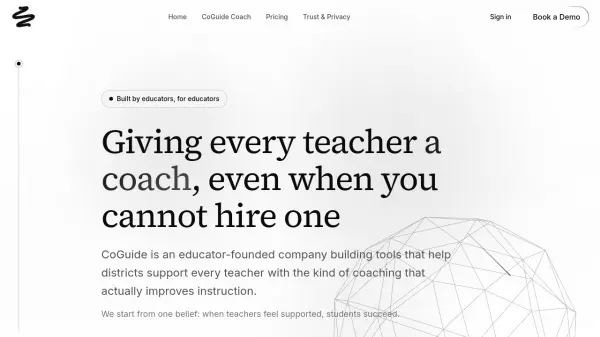
CoGuide Coach transforms classroom audio into clear, coach-like insights after each lesson, providing educators with meaningful feedback without requiring additional observations. The platform analyzes classroom interactions to reveal patterns in talk ratios, student participation, question quality, and answer confidence, giving teachers specific feedback on their instructional practices.
Built with a privacy-first approach, CoGuide Coach ensures classroom recordings are never saved by default after analysis and data is never sold. The platform integrates with existing school systems through SSO and rostering, making implementation straightforward for districts and schools looking to enhance their instructional coaching programs.
Features
- Classroom Audio Analysis: Turns classroom recordings into detailed insights about teaching practices
- Teacher Dashboards: Provides post-lesson summaries with key metrics and timelines
- Coach Dashboards: Shows trends across classrooms, grades, subjects, and schools
- Privacy-First Design: Recordings are not saved after analysis by default and data is never sold
- Integration Capabilities: Works with existing SSO and rostering systems
- Research Alignment: Built on established coaching frameworks from Learning Forward, Knight, and Sweeney
Use Cases
- Providing teachers with actionable feedback on their classroom instruction
- Helping instructional coaches identify patterns across multiple classrooms
- Supporting district leaders in understanding teaching practices across schools
- Enabling teacher-led professional development through self-reflection
- Scaling instructional coaching programs in schools without dedicated coaches