What is Codia AI?
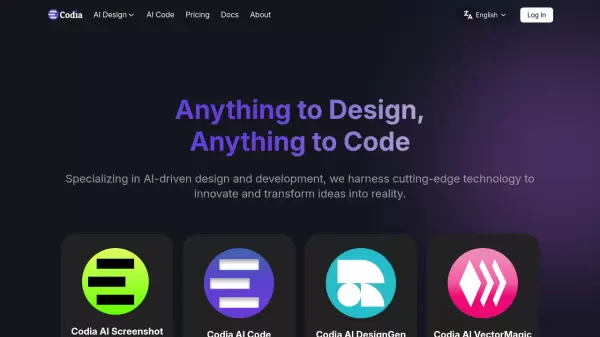
Codia AI stands at the forefront of AI-driven design and development automation, offering a suite of powerful tools that bridge the gap between design and code. The platform leverages advanced Visual AI technology and Large Language Models to provide seamless conversions between different design formats and code implementations.
Through its innovative approach, Codia AI enables instant transformation of screenshots into editable Figma designs, converts design files into functional code, and offers sophisticated features like PDF-to-Figma conversion and SVG generation. The platform's commitment to streamlining creative workflows makes it an essential tool for modern design and development teams.
Features
- Screenshot to Figma: Convert screenshots to editable Figma UI designs instantly
- Design to Code: Transform Figma designs into functional code across multiple frameworks
- Prompt to UI: Generate responsive website UIs from text prompts
- Image to SVG: Convert images to scalable vector graphics
- PDF to Figma: Convert PDF files into editable Figma designs
- HTML to Design: Transform HTML into Figma designs without code
- Photoshop to Figma: Convert Photoshop files to Figma format
Use Cases
- Design workflow automation
- Rapid prototyping
- Design-to-development handoff
- Legacy design file conversion
- Vector graphic creation
- UI/UX design generation
- Cross-platform development
FAQs
-
What technologies power Codia AI?
Codia AI is powered by Visual AI technology, Large Language Models (LLMs), and Custom AI Models specialized in coding and design.