What is CloudOnex Business Suite?
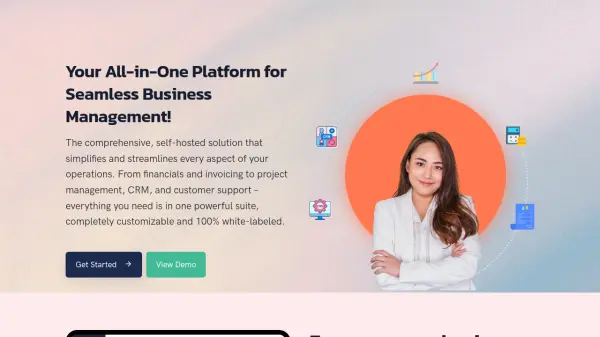
CloudOnex Business Suite is a comprehensive, self-hosted business management solution designed to streamline operations across various business functions. This integrated platform combines financial management, invoicing, project management, customer relationship management (CRM), and customer support into a single, customizable system. It offers a 100% white-labeled experience, allowing businesses to brand the software as their own while maintaining complete control over their data through self-hosting.
The platform features modular architecture that enables users to enable only the features they need, with built-in flexibility for customization and integration. It supports role-based access control, API access for third-party integrations, and includes tools for email, SMS, and WhatsApp communication. With a one-time payment model, users receive all future updates and improvements without recurring subscription fees.
Features
- Financial Management & Accounting: Real-time cash flow tracking, invoicing, and payment processing
- Customer Relationship Management (CRM): 360-degree customer view with self-service portal
- Project Management: Tools for project planning, tracking, and team collaboration
- Integrated Support System: Built-in ticket system and knowledge base for customer service
- Marketing Tools: Email and SMS marketing campaign management
- Customization Options: Modular architecture with API access and white-label branding
Use Cases
- Managing business finances and accounting in real-time
- Streamlining customer relationship management and support
- Organizing projects and team collaboration efficiently
- Running targeted marketing campaigns via email and SMS
- Processing online payments and invoicing customers
- Integrating multiple business functions into a single platform
FAQs
-
What is included in the Business Suite Standard edition?
The Standard edition includes financial management, invoicing, CRM, customer portal, order management, sales reports, support ticket system, project planning, communication tools, role-based access control, API access, and 6 months of standard support. -
What are the main differences between the Standard and Open Source editions?
The Open Source edition includes all features of the Standard edition plus priority support for one year, 100% open source code for full customization, and the ability to deliver it to customers. -
How does the one-time payment model work?
The Business Suite requires a one-time fee for the software, which includes one year of free support. The license never expires, and users receive all future updates without additional payments. -
Can I integrate Business Suite with my existing website?
Yes, you can install it with your existing website by creating a subfolder and installing the software there. -
How often are updates released for Business Suite?
New versions with features, skins, and improvements are released every month, with announcements made on the blog.