What is CleverControl?
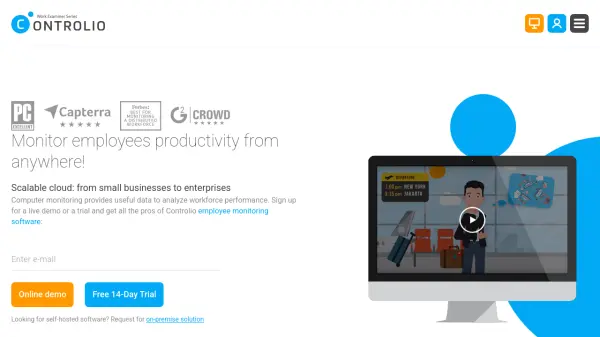
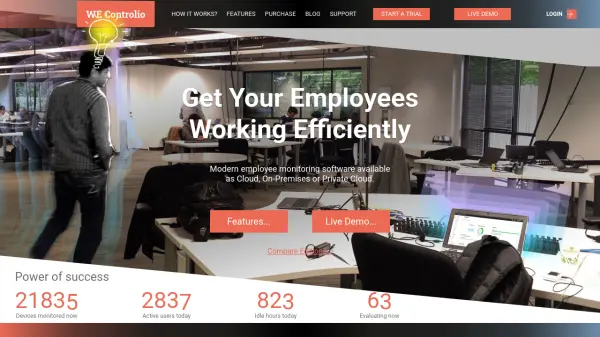
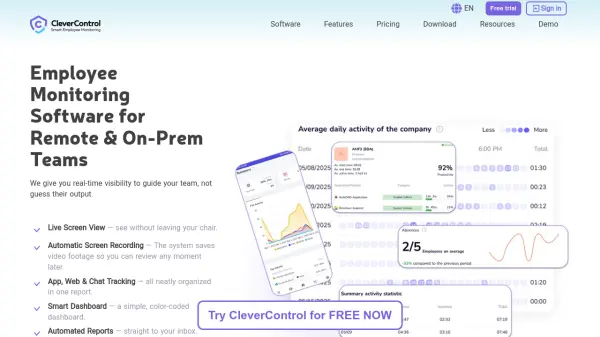
CleverControl is an employee monitoring software designed to provide organizations with comprehensive insights into team productivity and workflow efficiency. The platform offers real-time visibility through features like live screen viewing, automatic screen recording, and detailed tracking of application, website, and chat usage. It utilizes AI scoring to objectively analyze employee activity logs and assess productivity levels, helping managers identify areas for improvement while maintaining data security and ethical usage policies.
The software emphasizes transparency and employee well-being by including self-monitoring capabilities that allow employees to access their own productivity dashboards. It also provides tools for optimizing communication, preventing security threats, and ensuring compliance with industry standards. With a focus on data-driven decision-making rather than micromanagement, CleverControl aims to foster collaboration, prevent burnout, and unlock team potential through ethical monitoring practices.
Features
- AI Scoring: Automatically analyzes activity logs and assesses employee productivity levels using artificial intelligence
- Live Screen View: Enables real-time viewing of employee screens without leaving the manager's workstation
- Automatic Screen Recording: Saves video footage of screen activity for later review and analysis
- Application & Website Tracking: Monitors software and web usage patterns with organized reporting
- Self-Monitoring Dashboard: Allows employees to access personal productivity data and analyze their work patterns
- Security Monitoring: Includes optional features like keylogging, face recognition, and external storage tracking for data protection
- Automated Reporting: Delivers comprehensive productivity insights directly to manager inboxes
- 2-Minute Setup: Quick installation process requiring no IT team assistance
Use Cases
- Monitoring remote team productivity and work patterns
- Identifying workflow bottlenecks and optimization opportunities
- Preventing employee burnout through activity pattern analysis
- Enhancing data security and preventing unauthorized information leaks
- Streamlining team communication and collaboration channels
- Providing remote training and technical support through screen sharing
- Ensuring compliance with company policies and industry regulations
- Optimizing software and resource allocation based on usage data
FAQs
-
What data security measures does CleverControl implement?
CleverControl uses SSL encryption 128b for data in transit and at rest, stores data on secure servers, and complies with ISO 27001 Standard for information security management. -
Can employees access their own monitoring data?
Yes, employees can access personal productivity dashboards through the self-monitoring feature to view their own activity logs and work patterns. -
Is employee consent required for using monitoring features?
The software requires proper authorization and informing users about monitoring according to legal requirements, with optional features like live viewing and recording recommended for use with explicit consent. -
What types of activities does CleverControl track?
The software tracks application usage, website activity, search queries, social media usage, messenger activity, email, printer activity, external storage usage, and optional features like keylogging and webcam recording. -
How quickly can the software be set up?
CleverControl features a 2-minute setup process that requires no IT team assistance, allowing users to be operational quickly.