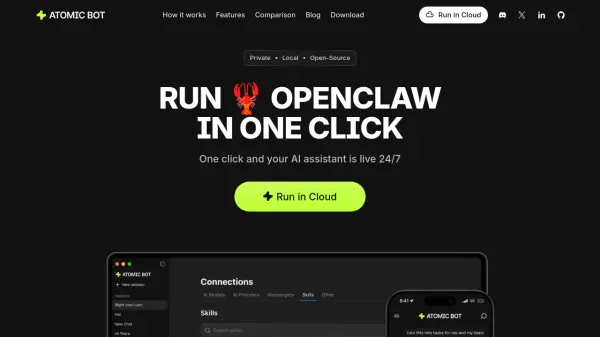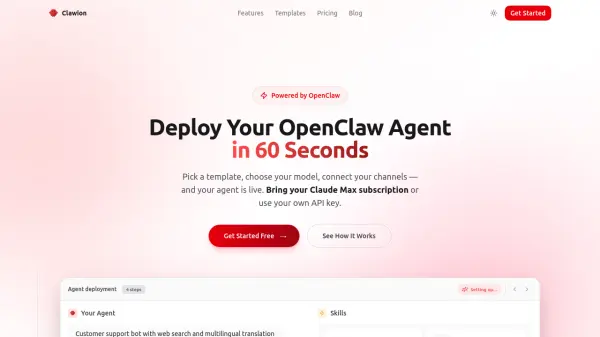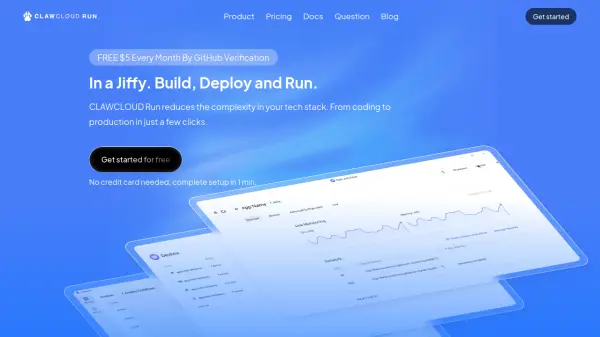
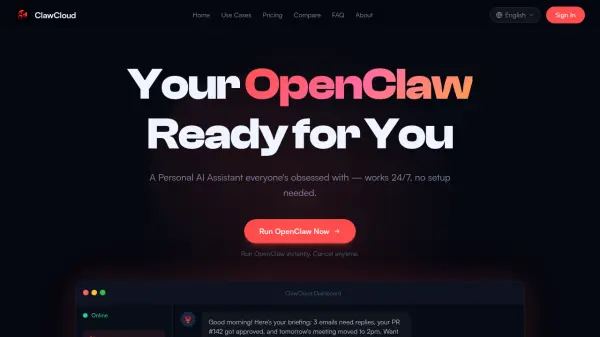
What is ClawCloud?
ClawCloud is a managed hosting service that enables users to run OpenClaw, a free, open-source AI assistant, without any technical setup. It offers dedicated, isolated instances that are always online and ready to use, handling updates, security, and scaling in the background. Users simply log in to access their personal AI assistant, which can automate workflows, manage code, control browsers, handle files, integrate with apps, and perform various other tasks across their digital environment.
The service provides a seamless experience by skipping the complexities of self-hosting, such as environment setup and maintenance. With ClawCloud, users get a private OpenClaw instance configured and optimized for their needs, allowing them to focus on productivity rather than technical details. The platform supports a wide range of use cases, from personal assistance to professional automation, making it accessible to both beginners and power users.
Features
- Dedicated Instance: A private OpenClaw instance fully isolated for individual use
- Always Online: 24/7 availability with no downtime or restarts required
- Zero Setup: No technical knowledge needed to start using the AI assistant
- Automated Maintenance: Handles updates, security, and scaling in the background
- Workflow Automation: Automates emails, scheduling, and repetitive tasks hands-free
- Code & Dev Tools: Reviews code, generates tests, and manages repositories automatically
- Browser Control: Fills forms, scrapes data, and navigates the web like a human
- File & System Management: Organizes, renames, and manages files across your machine
- App & API Integration: Connects to Slack, Discord, GitHub, and other APIs
- Personal Assistant: Manages calendars, takes meeting notes, and handles daily tasks
Use Cases
- Automating repetitive work tasks like email replies and scheduling
- Managing code reviews and software development projects
- Scraping data and monitoring prices from websites
- Organizing files and folders on personal computers
- Controlling smart home devices through voice or text commands
- Generating creative content such as images and documents
- Handling daily personal tasks and habit tracking
- Integrating with business tools like Slack and GitHub for workflow automation
FAQs
-
What is the difference between OpenClaw and ClawCloud?
OpenClaw is a free, open-source AI assistant that runs on your computer, while ClawCloud is a managed hosting service that provides dedicated instances of OpenClaw without requiring technical setup or maintenance. -
Can I use ClawCloud for business purposes?
Yes, ClawCloud offers plans suitable for both personal projects and power users, including features like workflow automation and app integration that support business applications. -
Is there a free trial available?
The content does not mention a free trial, but it offers a 7-day money-back guarantee for unsatisfied customers within the first week. -
What happens if I cancel my subscription?
You can cancel your plan at any time, and the service will stop at the end of your billing period, with no long-term commitments required. -
How secure is my data with ClawCloud?
Your data is stored on an isolated, encrypted container with daily backups, and ClawCloud does not access your instance unless you request support, ensuring privacy and security.